

Seller Support Navigation
11/25/2025
As a seller, time is your most valuable asset. Knowing exactly where to go for help can significantly reduce downtime and expedite problem resolution. This guide is designed to equip you with the ability to choose the fastest and most appropriate support channel for any given issue, ensuring efficient resolution and access to relevant resources.
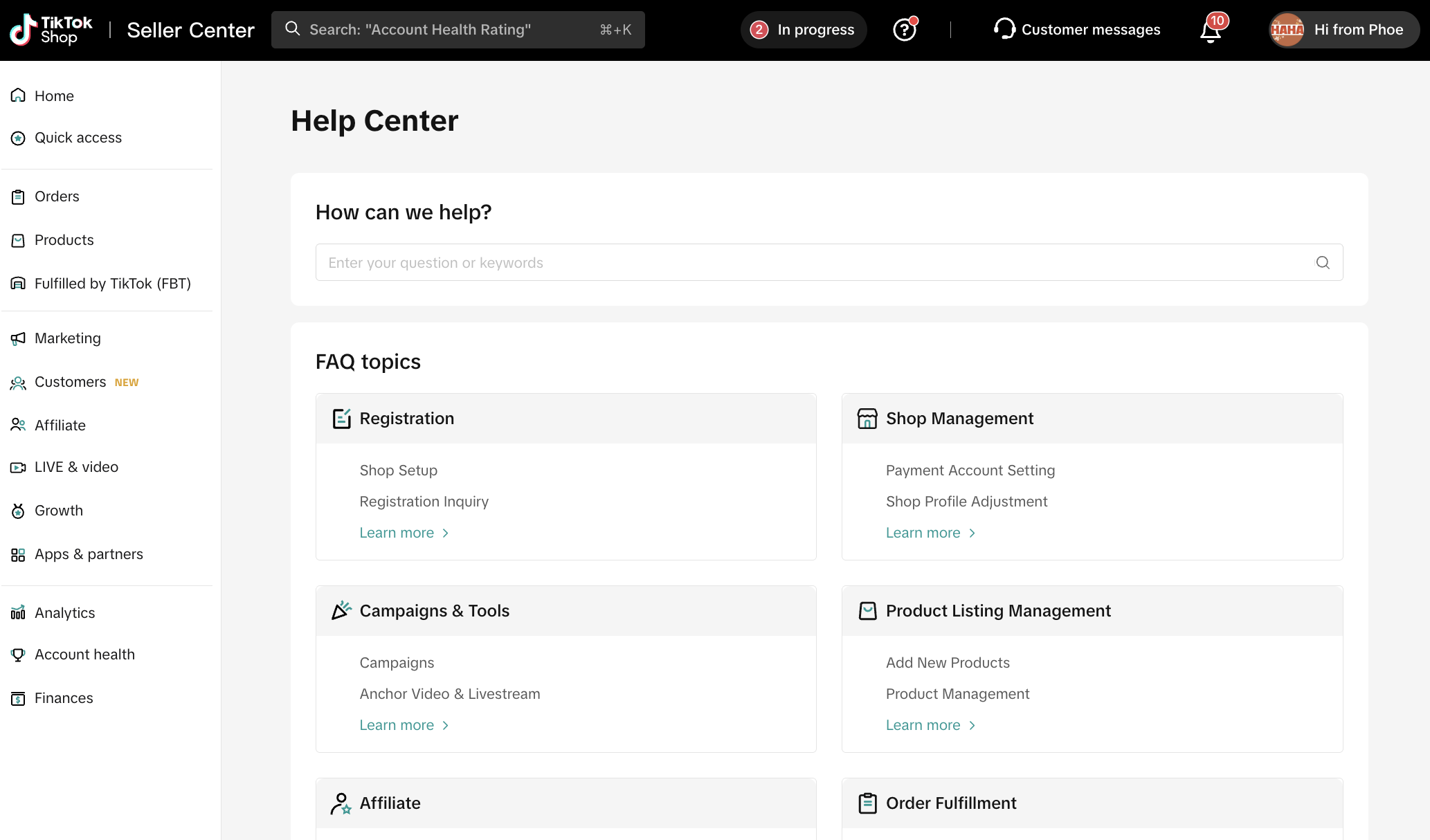
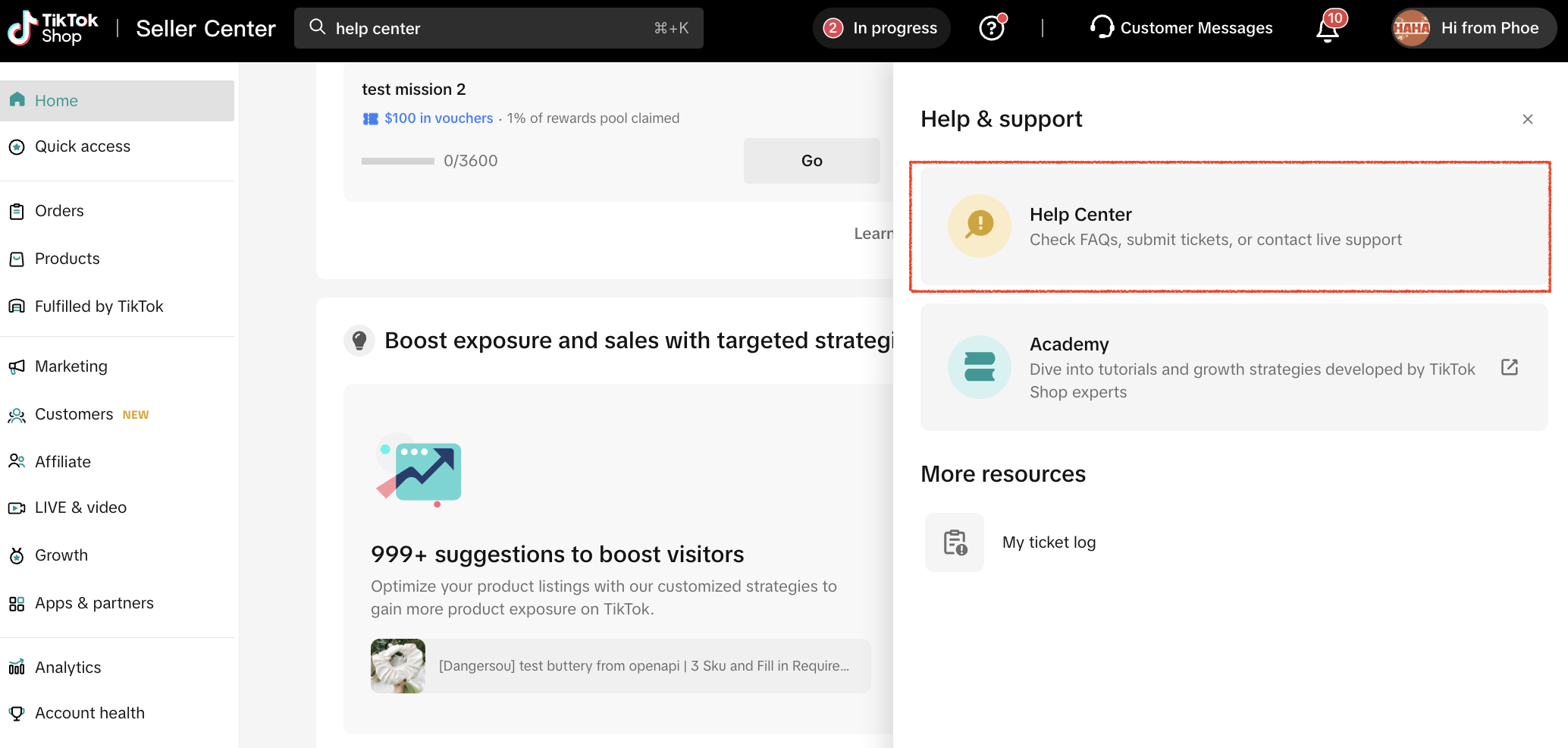
When to Use: You should turn to the Help Center for answers to common, general questions. This includes inquiries like, "What is the return window?", "Where do I upload my tax ID?", or "How do I process a refund?".
Purpose and Support Offered: The Help Center serves as the primary self-service resource, providing immediate clarity and official guidance without needing to wait for an agent. The support offered is structured and immediate, consisting of official FAQs, detailed policy articles, and step-by-step tutorials.
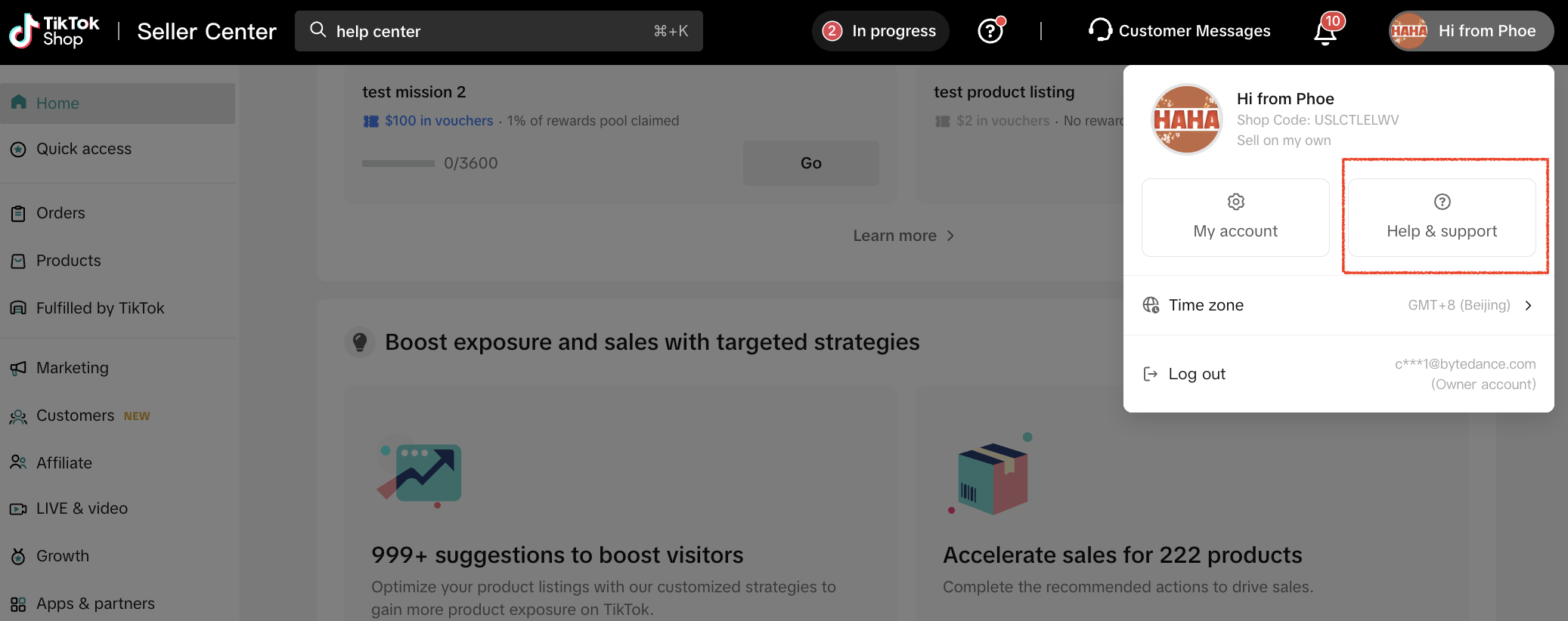
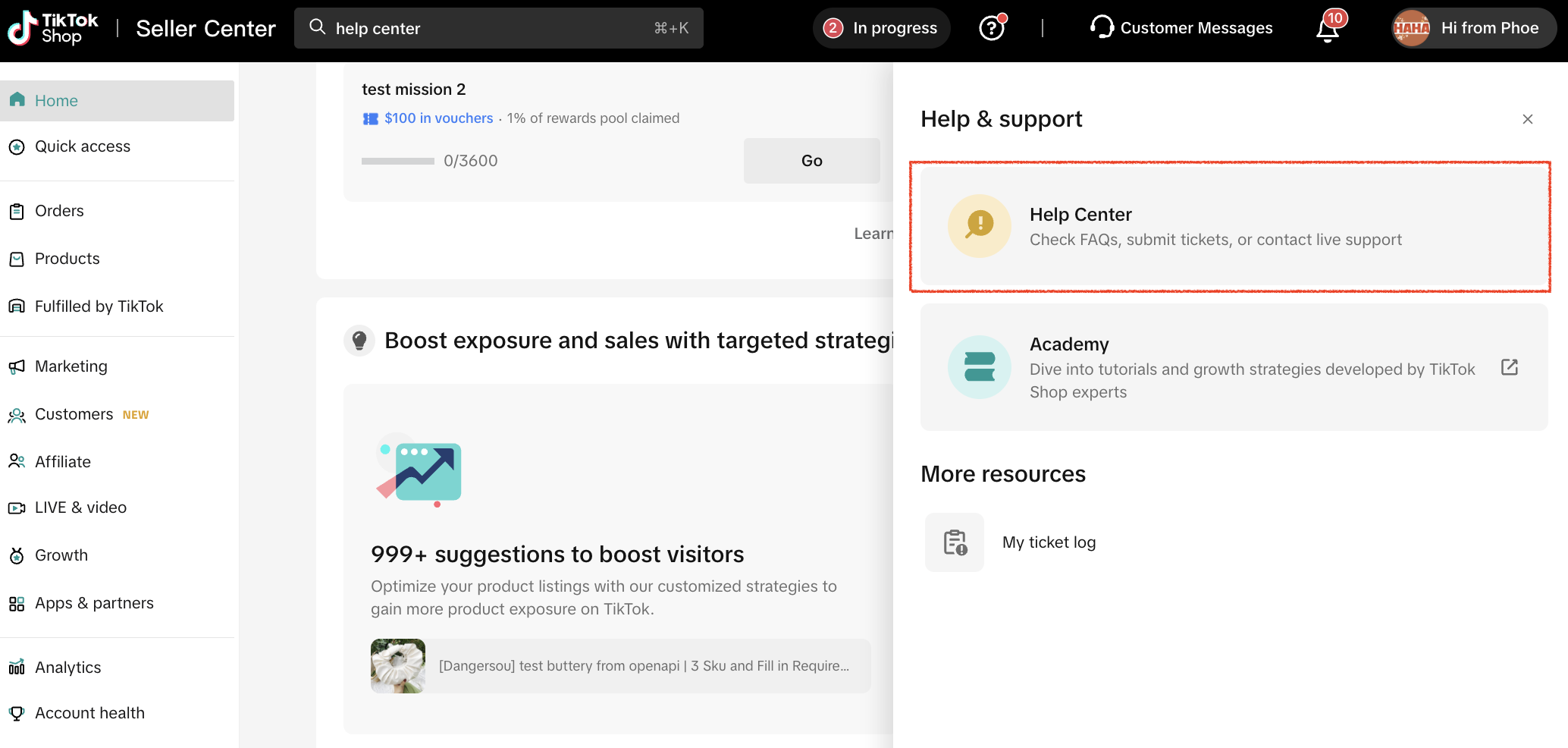
How to Access: Seller Center > Profile > Help & Support > Help Center
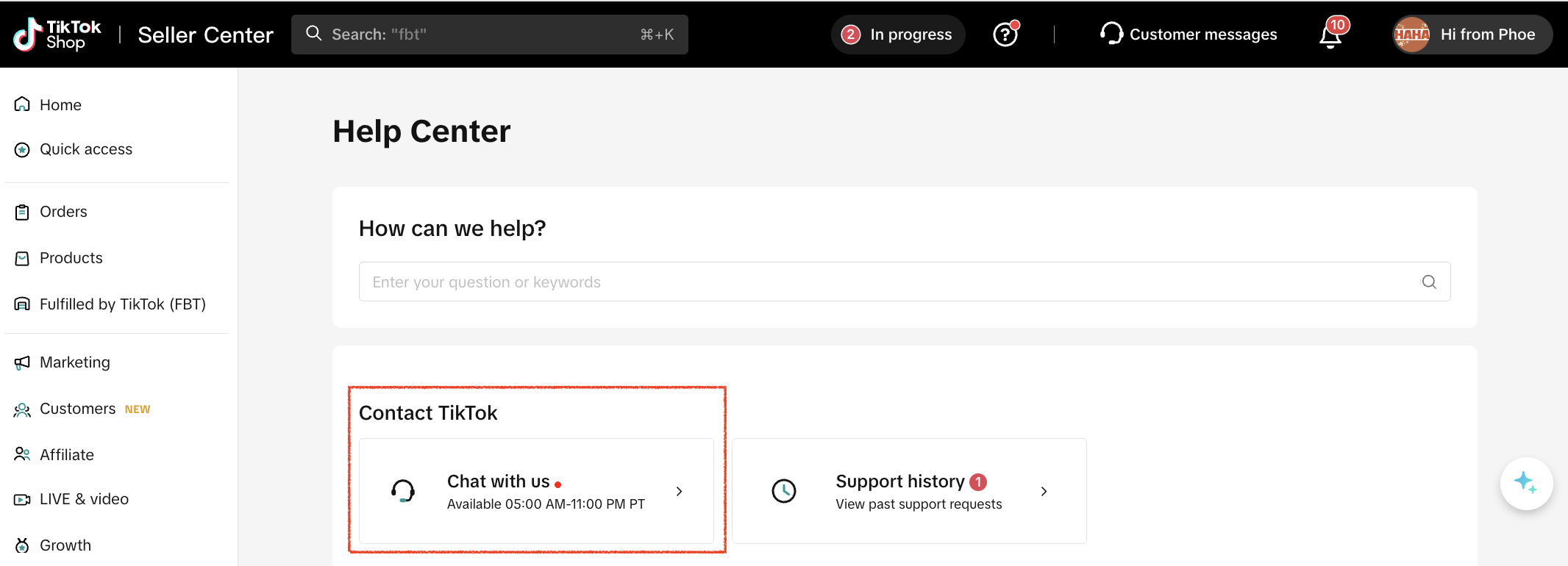
When to Use: Use Chat Support for time-sensitive, account-specific, or transactional issues. This covers problems such as resolving specific payout failures, order discrepancies, or complex policy clarifications that require direct agent account access.
Purpose and Support Offered: The core purpose of this channel is to resolve unique operational problems that require official intervention, data checks, and agent access to your account details. Support is offered through direct engagement with support agents, the official creation of dedicated support tickets, and personalized guidance.
How to Access: Seller Center > Profile > Help & Support > Help Center > Contact TikTok > Chat with us
Community Uses and Support Offered:
The Help Center: Your Primary Self-Service Resource
The Help Center is built to be your first stop for immediate answers and official policy information. It is the fastest way to get clarity on general inquiries.When to Use: You should turn to the Help Center for answers to common, general questions. This includes inquiries like, "What is the return window?", "Where do I upload my tax ID?", or "How do I process a refund?".
Purpose and Support Offered: The Help Center serves as the primary self-service resource, providing immediate clarity and official guidance without needing to wait for an agent. The support offered is structured and immediate, consisting of official FAQs, detailed policy articles, and step-by-step tutorials.
How to Access: Seller Center > Profile > Help & Support > Help Center
Chat Support: For Time-Sensitive & Account-Specific Issues
When your issue is unique, time-sensitive, or directly tied to your account's operations, Chat Support is the necessary channel for official intervention.When to Use: Use Chat Support for time-sensitive, account-specific, or transactional issues. This covers problems such as resolving specific payout failures, order discrepancies, or complex policy clarifications that require direct agent account access.
Purpose and Support Offered: The core purpose of this channel is to resolve unique operational problems that require official intervention, data checks, and agent access to your account details. Support is offered through direct engagement with support agents, the official creation of dedicated support tickets, and personalized guidance.
How to Access: Seller Center > Profile > Help & Support > Help Center > Contact TikTok > Chat with us
Community Groups: Collective Learning & Official Communication
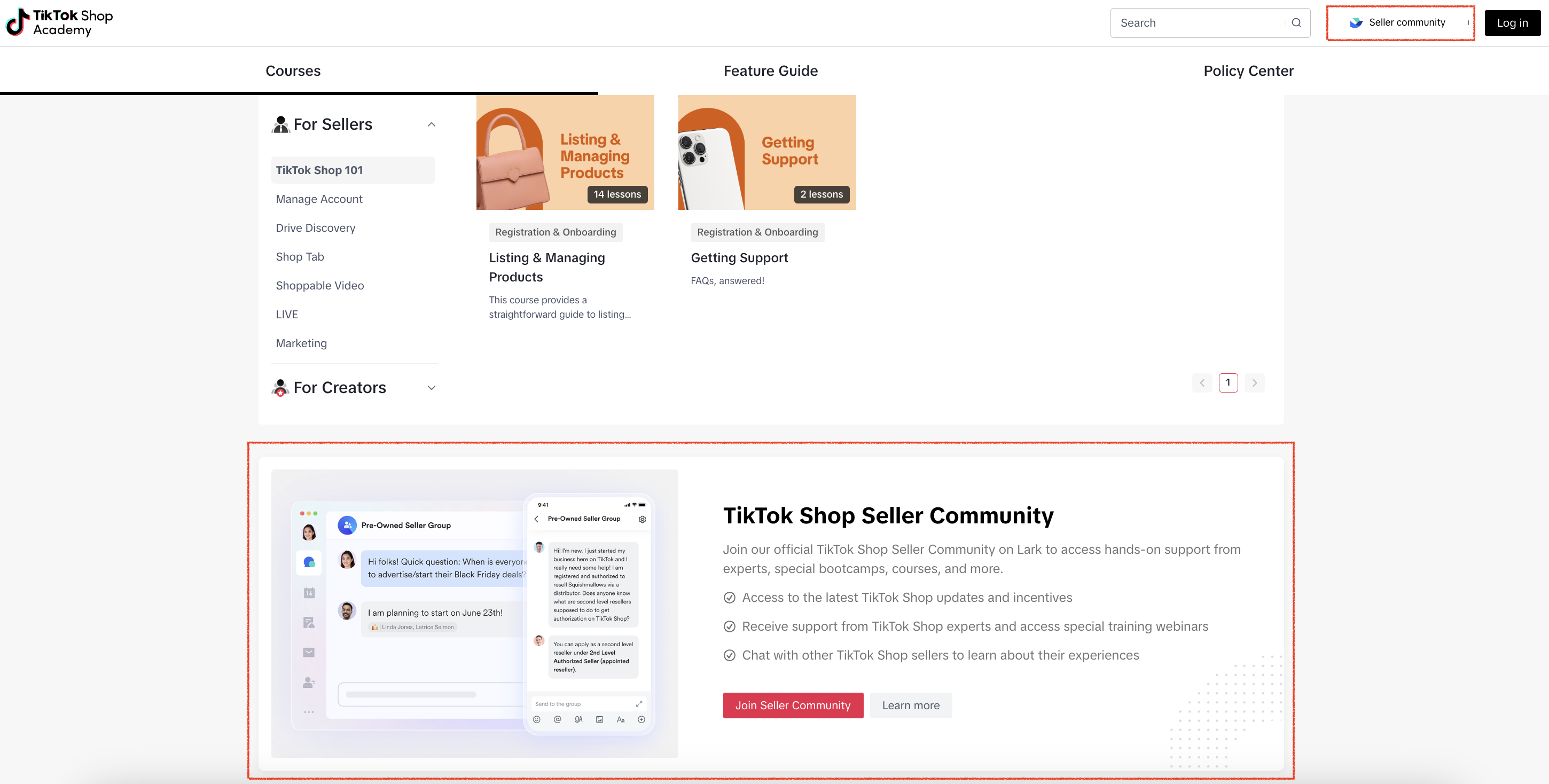
The Community is a vibrant space designed for ongoing education, official communication, and peer-to-peer networking, offering resources that go beyond immediate issue resolution.Community Uses and Support Offered:
- Education & Learning: Use this channel for utilizing official tutorials and shared learning resources. You gain access to official webinars and in-depth tutorials.
- Official Communication: The Community is the best way to ensure you are receiving platform updates and policy changes directly. The platform uses it for the direct posting of official updates and announcements.
- General Guidance: For seeking instant guidance on general topics 24/7, you can engage with Tiko, the virtual AI assistant.
- Peer-to-Peer: The groups serve as a space for sharing best practices, troubleshooting with other sellers, networking, and overall seller-to-seller knowledge sharing.
- Elevated Support: For select sellers, this channel provides access to dedicated real AM support and Office Hours (not automatically eligible for all sellers).
You may also be interested in
- 8 lessons
Setting up Your Shop
This module equips sellers with the essential knowledge to establish their TikTok Shop and manage th…

Help Center Chat Assistant
Why use Help Center Chat Assistant? The Chat Assistant is designed to make managing your TikTok Shop…

How to register as a Corporation or Partnership
Easy Guide to Kick-Start Your Business on TikTok Shop - Business Entity What are the Requirements? A…

How to register as a Sole Proprietorship
Easy Guide to Kick-Start Your Business on TikTok Shop - Sole Proprietorship What are the Requirement…
How to register as an Individual
Easy Guide to Kick-Start Your Business on TikTok Shop - Individual Sellers What are the Requirements…
TikTok for Shopify: Migrating to Shopify from Third Party
This guide is designed to assist sellers in smoothly transitioning from third-party applications to…