Payment Methods Supported by TikTok Shop
Summary
What payment methods does TikTok Shop support for buyers?
- TikTok Shop accepts Visa, Mastercard, American Express, Discover credit/debit cards, PayPal (with or without account), Apple Pay (iOS), Google Pay (Android), Klarna (4 interest-free payments), and Affirm (4 payments or monthly installments with variable APR).
How do installment payment options like Klarna and Affirm work on TikTok Shop?
- Klarna and Affirm allow buyers to split purchases into 4 interest-free payments every 2 weeks; Affirm also offers monthly installments with 0%-36% APR based on credit score, providing flexible payment plans for buyers.
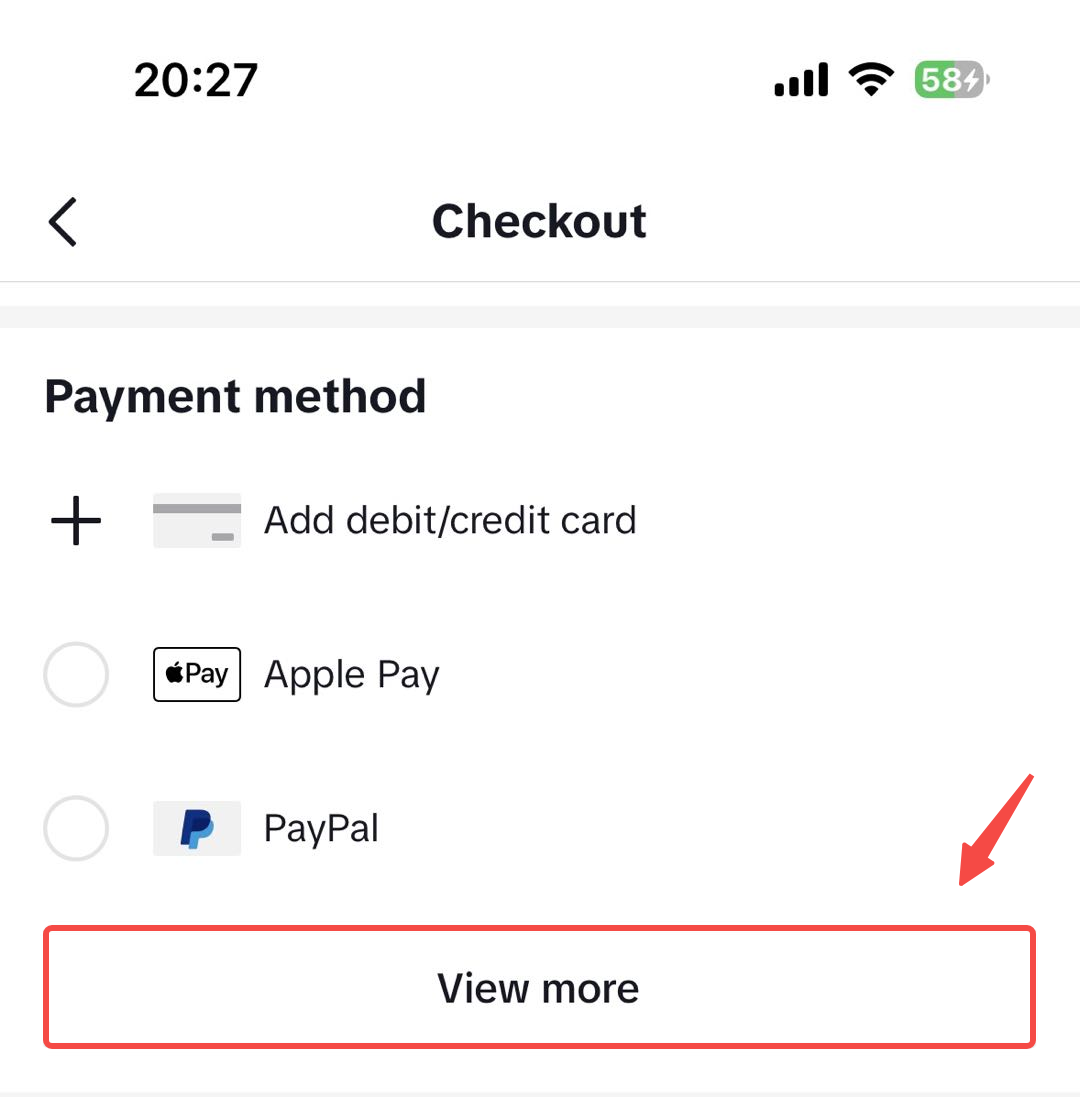
How can buyers view all available payment methods during checkout on TikTok Shop?
- Buyers select a product, proceed to payment, then click "view all" in the payment method section to see the full list of supported payment options available for their purchase.
Supported payment methods
TikTok Shop accepts a variety of payment methods listed below:- Credit/Debit Card
TikTok Shop accepts credit and debit cards from Visa, Mastercard, American Express and Discover Card.
Buyers can save their credit or debit card to add convenience for future purchases, they can also remove or edit the card information any time. - Credit card installment
*Standard card terms and conditions still apply.
- PayPal
They can also pay with a credit or debit card via PayPal without a PayPal account. To do so, please click on "Pay with Debit or Credit Card" on PayPal page and follow the instructions to complete the payment.
- Apple Pay
- Google Pay
- Klarna
- Affirm
FAQs
Q: How to view the full range of payment methods?You can view the full range of payment methods by choosing a product you like on TikTok Shop > proceed with payment > click "view all" on the payment method section > all available payment methods will be displayed here.