

Avoid Redirecting Traffic
01/28/2026
Key points:Avoid directing viewers to shop, book, or make an order for products through private messages or third-party links.
- Encourage viewers to purchase through TikTok Shop product links in your livestreams and videos.
What is Redirecting Traffic?
Redirecting traffic occurs when a call-to-action containing redirecting information to a promoted product is used during livestreams and videos.Safe and Convenient Shopping on TikTok
We are committed to ensuring the safety and security of transactions and other activities on TikTok Shop. When users are directed outside of TikTok shop, we can no longer guarantee a safe and secure experience. Links to unregulated websites may also pose online safety risks, such as scams, phishing, and unauthorized collection of customer information.You are vital to connecting shoppers to sellers on TikTok Shop! We are here to help ensure that they can safely find and securely purchase the products you promote in your shoppable content.
Watch the video below to dive deeper into the details!
Best Practices

- Encourage viewers to purchase through the TikTok Shop product links in your livestreams and shoppable videos. Find out how you can add a product or showcase link into your short videos or create a LIVE product set to allow viewers to make a purchase through your Livestream
- Boost your engagement! Get viewers to like, follow, comment, and share. The more viewers who return to your content, the more likely they are to purchase through your promotional content.
What to Avoid

- Avoid prompts to purchase through external links, usernames, websites, social media, and messaging services.
- Avoid adding your contact information in your bio, video or product descriptions, or content.
- Avoid linking TikTok Shop products in your videos or livestreams if you intend for viewers to purchase through other e-commerce platforms.
- Avoid featuring online fundraising platforms in content, including screenshots, screencasts, URLs, QR codes, or weblinks of fundraisers.
- Avoid directing viewers to fundraising platforms in your bio or including third-party fundraising URLs in your bio.
Calls-to-Action with Redirecting Information
A redirecting call-to-action is a prompt for viewers to take action outside of TikTok Shop with the intention of guiding their purchasing behavior. This may be in the form of text, verbal, or emoji cues in your content or links in your bio. TikTok Shop takes the safety of our users seriously. Creators whose content redirects traffic may be subject to enforcement actions in accordance with our TikTok Shop Creator Enforcement Policy. Below are some non-exhaustive examples of statements to avoid: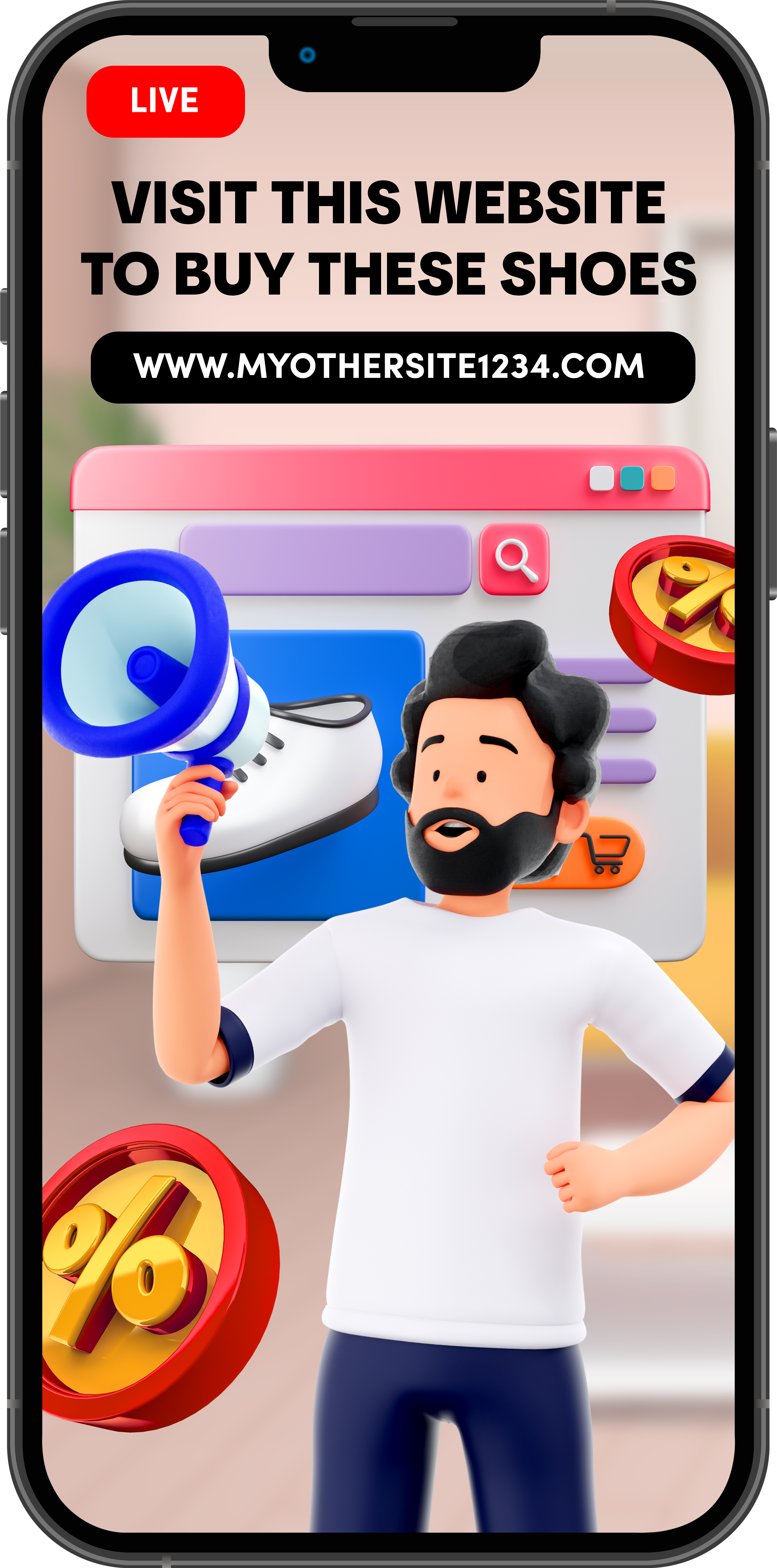
- "Go to the link in the description to purchase this pair of shoes."
- "🛒 : websitexyz.com"
- "Scan this QR code to buy shop our sale!"
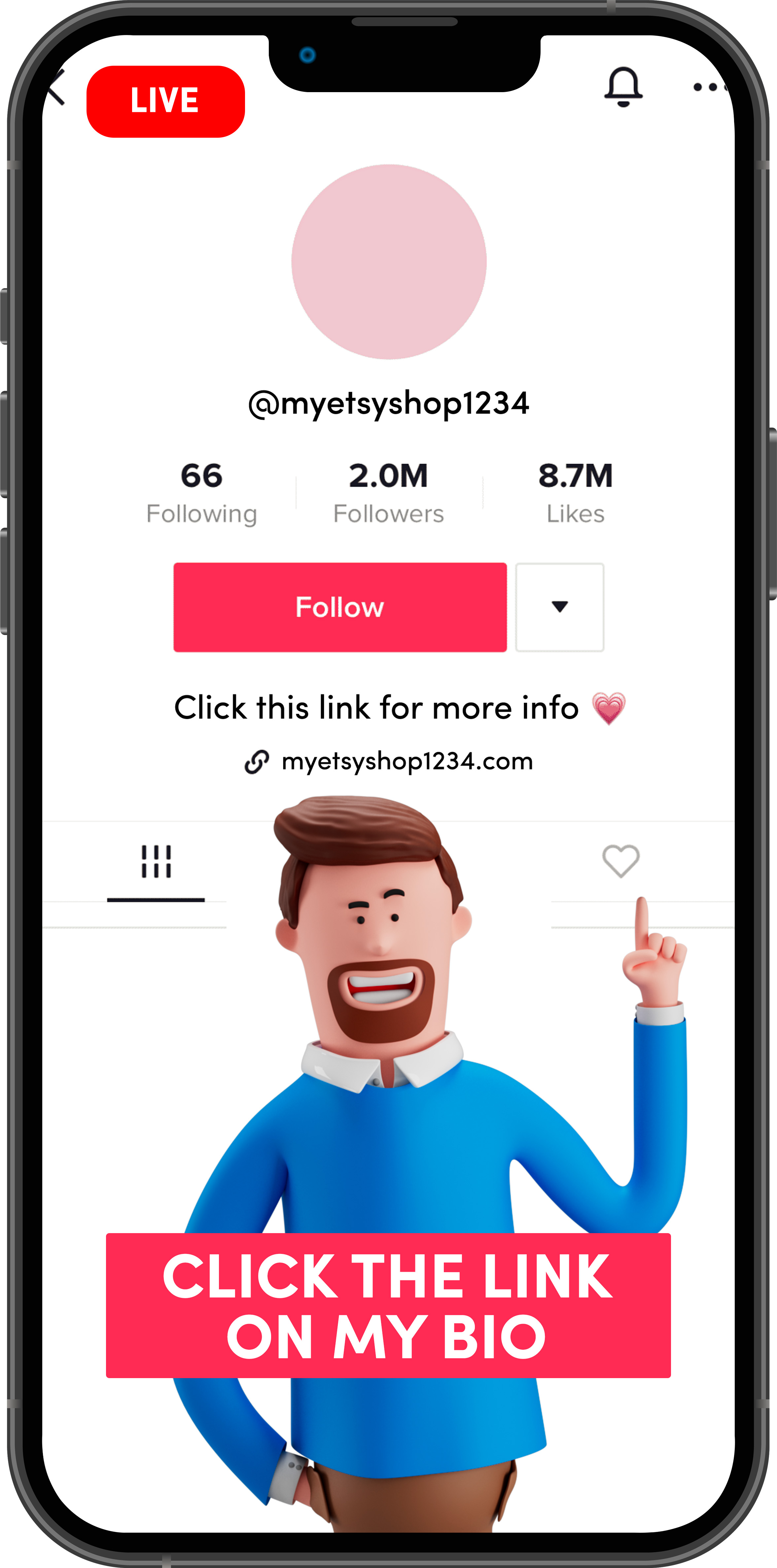
- "If you're interested in buying these products, you can reach out to me at this number"
- "Available on my socials @myshop. DM me if you want to make an order."
- "Check out my w-e-b-s-i-t-e [website] so you don't miss out on my flash sale."
- "Click on the link in my bio to shop for more products"
- Arrows pointing to a button with a referral code / link / QR code.
- The creator shows how to purchase a product from a third-party e-commerce website.
- "Buy at [website] with my code SHOP10 for 10% off"
- "50% off website 🔗 in bio. We're almost sold out!"
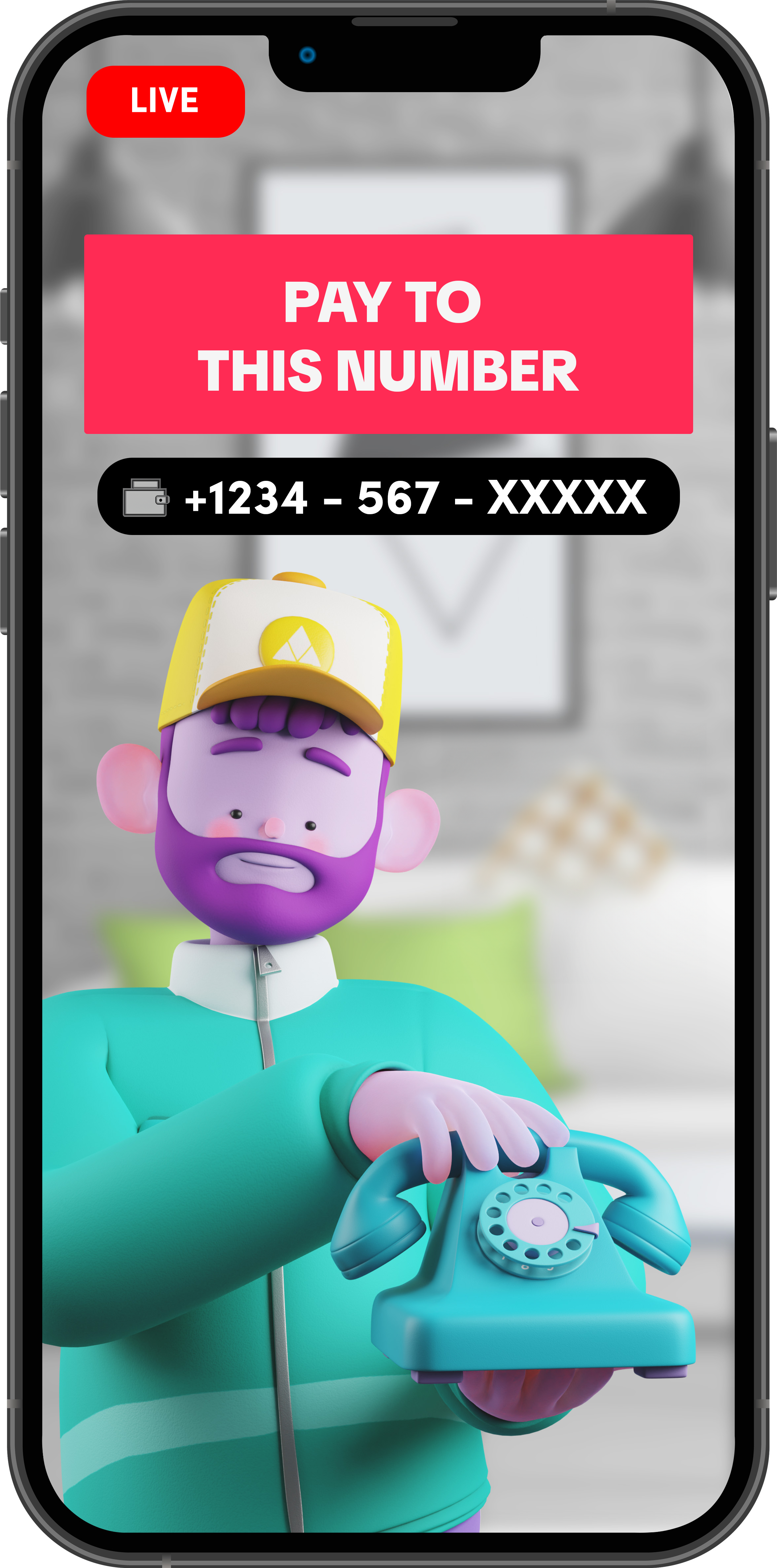
- "Don't miss out on this deal. Place your deposit to this number."
For more information, please refer to our TikTok Shop Content Policy.