

Shoppable Video Hub in Seller Center
11/21/2025
Summary
What is the Shoppable Video hub on TikTok Shop and how does it help sellers create effective videos?
- The Shoppable Video hub in Seller Center offers education, inspiration, AI tools, and data to help sellers create engaging shoppable videos easily, regardless of experience level.
- It provides ready-to-use templates, auto-generation tools, and top-performing content examples to showcase products and drive shopper interest.
How can sellers use the Shoppable Video hub’s features to create and customize videos?
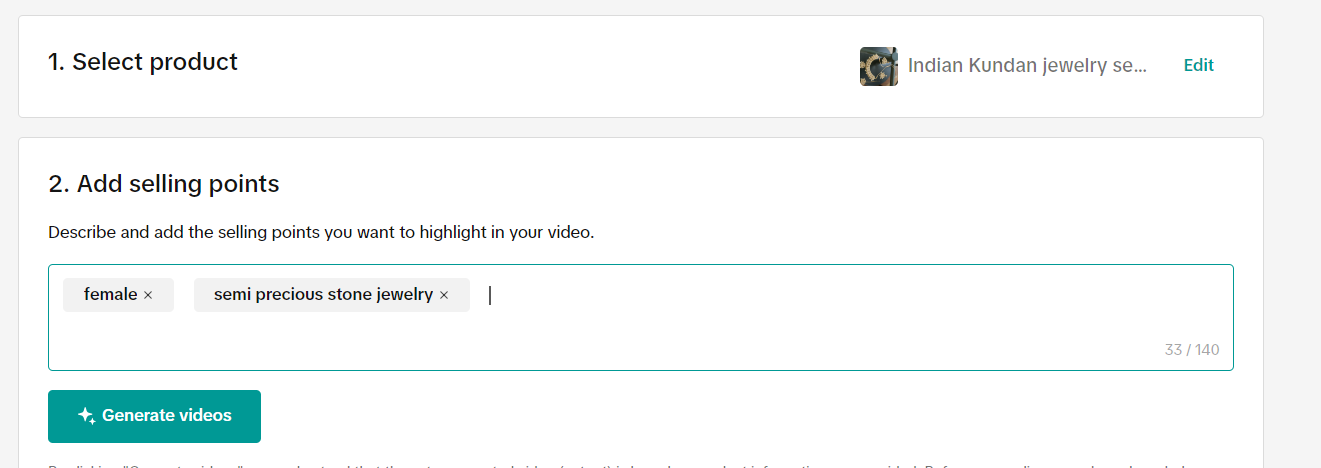
- Sellers can auto-generate videos by selecting products and adding selling points; videos come with music and voiceover and can be downloaded or edited further.
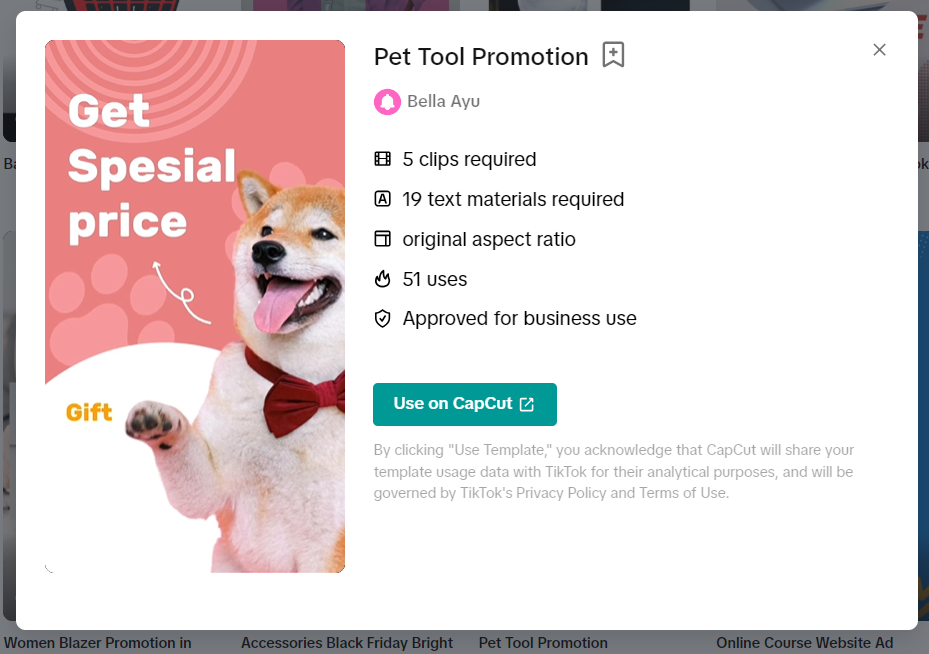
- They can also choose from customizable, licensed music templates designed for different products or promotions, editable via CapCut.
What resources are available for sellers to learn best practices and improve their shoppable video performance?
- The hub includes personalized tips, trending videos, accounts, songs, and hashtags to inspire content creation aligned with shopper interests.
- Sellers can access analytics dashboards to track video views, product impressions, click-through rates, and GMV to optimize future content.
How frequently should sellers post shoppable videos and how can they learn from other sellers?
- Posting high-quality videos frequently helps maintain fresh traffic and product awareness; analytics tools guide optimal posting frequency and content type.
- The “Get Inspired” tab allows sellers to explore successful videos from similar shops and trending TikTok content for ideas.
What additional educational resources does TikTok Shop provide to help sellers master shoppable videos?
- TikTok Shop offers five beginner-level courses covering video structure, storytelling, audience targeting, using the Shoppable Video Center, hashtag strategies, and content calendar planning.
- These courses teach techniques to engage viewers, emotionally connect through storytelling, and align content with seasonal trends for better results.
Welcome to Shoppable Videos
Compelling videos are critical to your success on TikTok Shop. The Shoppable Video hub within Seller Center, brings together a wide range of education, inspiration, AI tools, and data to help sellers build shoppable videos quickly and easily. Whatever your level of experience with video creation, our tools will meet you where you are.Shoppable videos are a great way to demonstrate your products and generate interest in shoppers as they browse on TikTok Shop. Access the Shoppable Video hub from the LIVE & Video tab within Seller Center to choose from ready-to-use templates, get inspired by top-performing content, or even auto-generate videos with the push of a button.
Navigate to any of these tabs to learn more and get started:
Overview
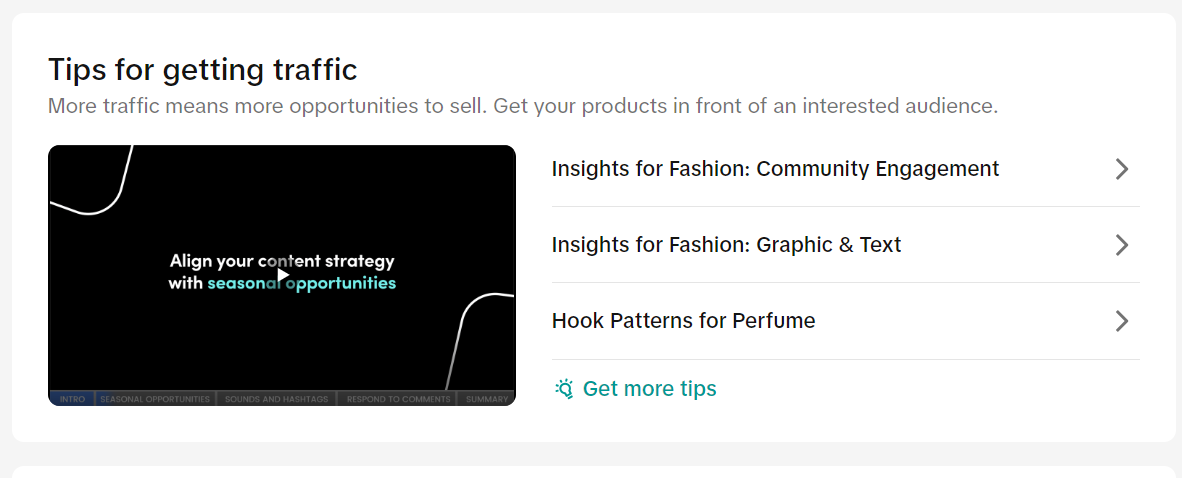
This tab offers personalized tips and education to help you get started. Browse through any of the sections below to get more information on how to:- Create videos
- Build your shop
- Get traffic
- Improve conversions
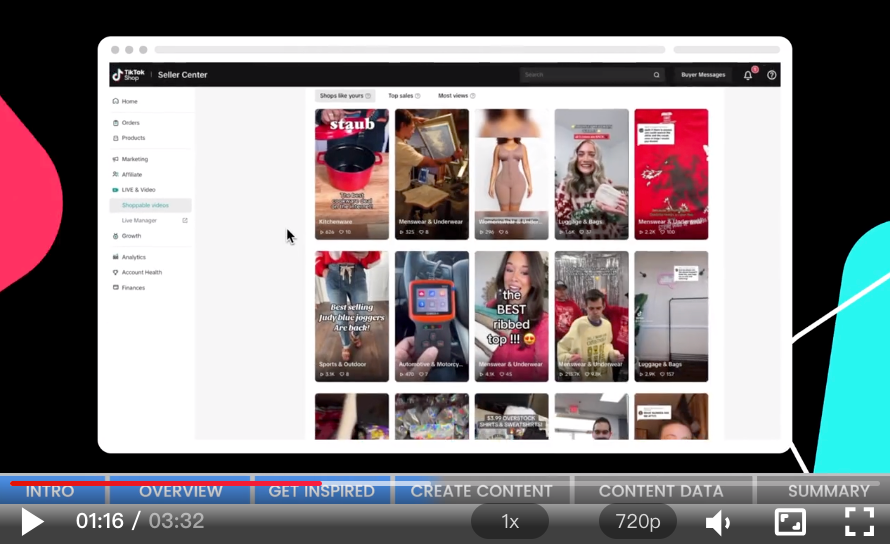
Get Inspired
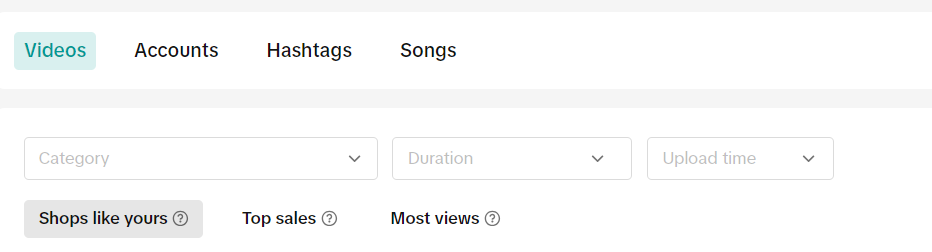
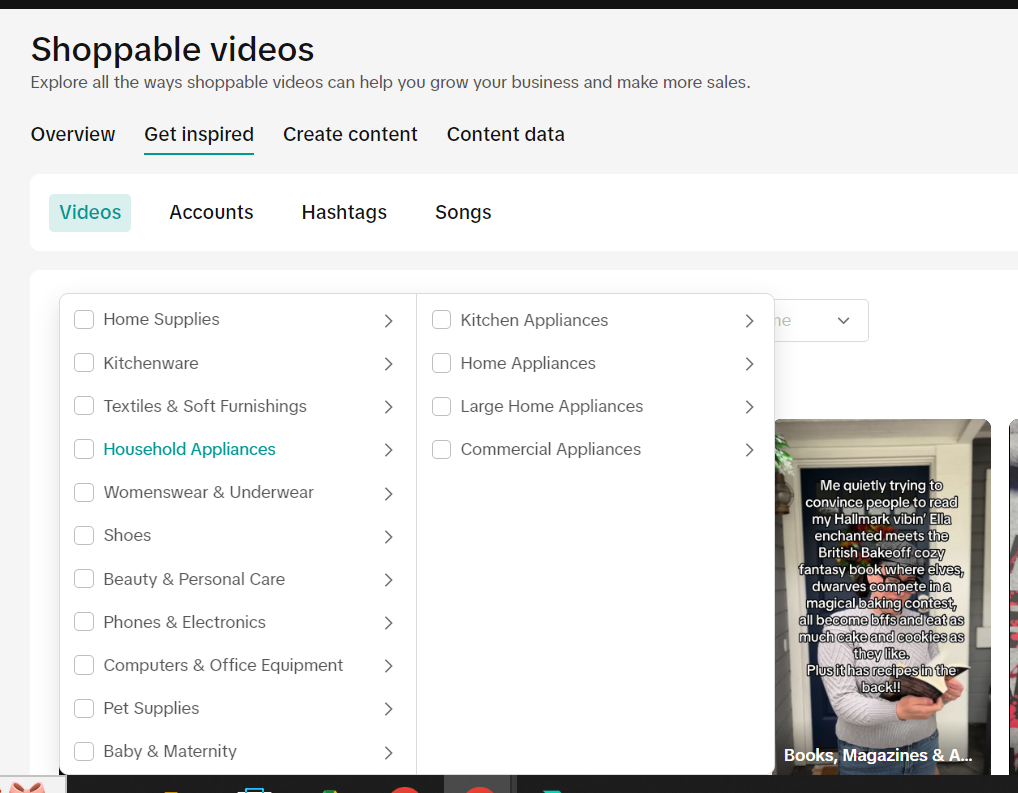
Check out top trending videos, accounts, songs, and hashtags to discover content that is engaging shoppers.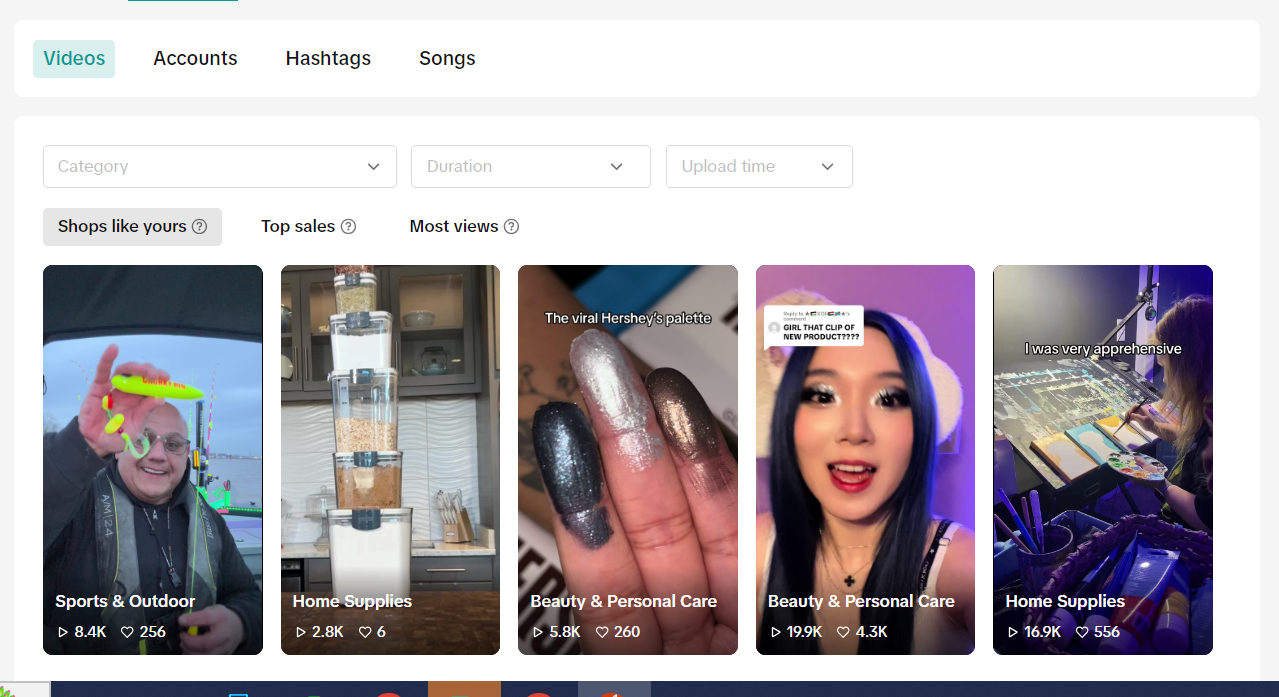
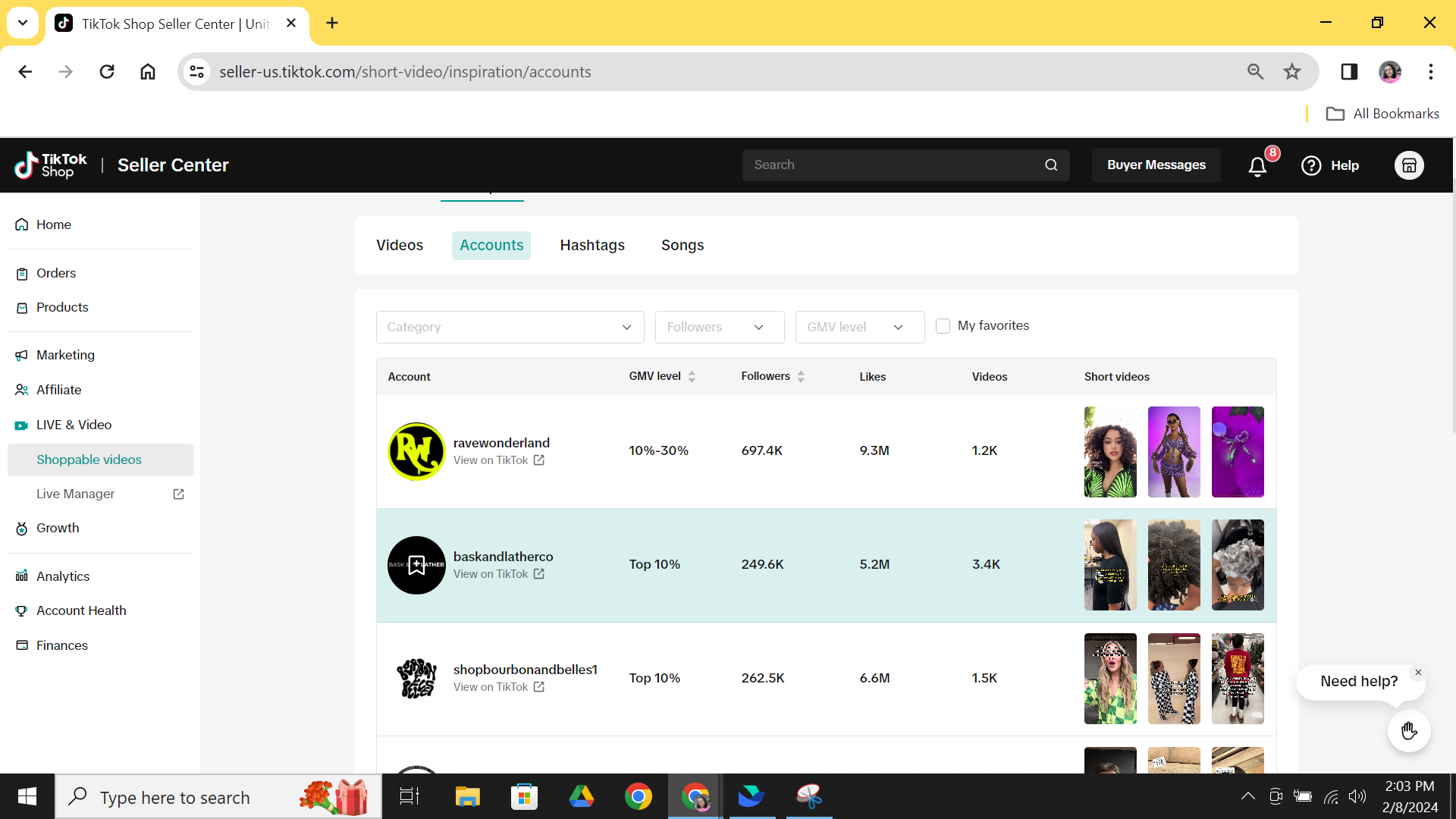
Create Content
Within this tab you can access AI tools and ready-to-use templates that help you to build your videos on the fly.Auto-generate
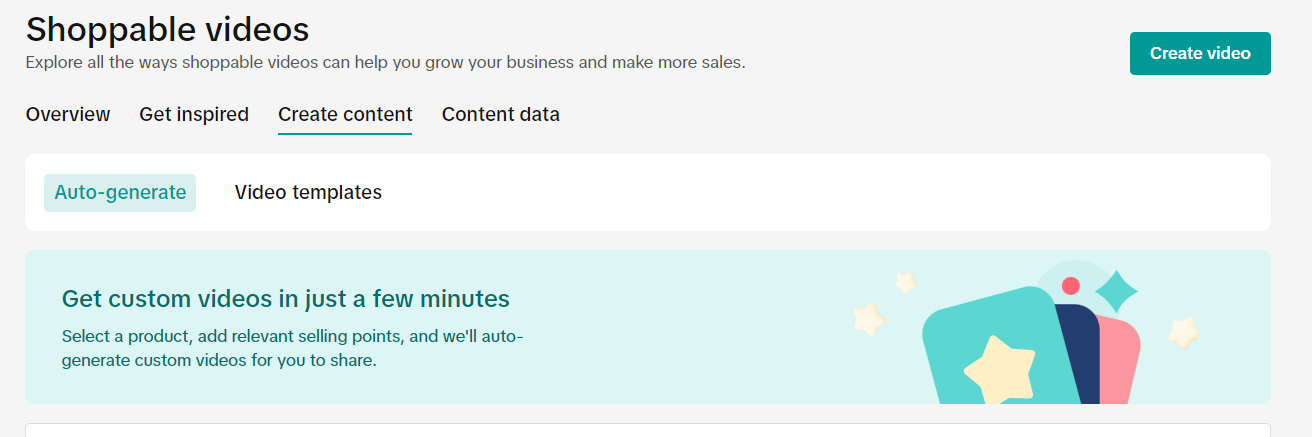
Each video is accompanied by music and a voiceover. Download the video of your choice and you can post it directly to your TikTok shop or edit it further with your choice of music or voiceover.
Video Templates
Choose from a variety of top-performing templates that you can customize in CapCut to showcase your products. Each template is designed for a different type of product or promotion and comes with licensed music. When you select a template to download, you will see what you need to customize for your product or shop.Learn more about using CapCut to customize a template.
Content Data
Discover new insights to help improve performance of your shoppable videos. Regularly measure and optimize your video performance with inuitive dashboards and reporting. You can visit the "Content Data" tab in the Shoppable Video Center to track the performance of each video you posted, including views, product impressions, click-through rate, GMV, and more.FAQs
- What is a shoppable video?
Check out this Guide to Shoppable Video on TikTok Shop Academy for a quick overview and even learn how you can create your first shoppable video with transitions, filters, product links, and more. Also, learn about the different kinds of shoppable videos that you can create.
- How do I track if my videos are working?
- How many videos should I post for each product?
- How can I learn from other sellers? Are there best practices they can share with me?
- Additional resources
| No. | Course Name | Knowledge Points | Course link |
| 1 | How to Structure an Attention-Grabbing Shoppable Video | How to make a shoppable video that entertains, engages, and drives results
|  |
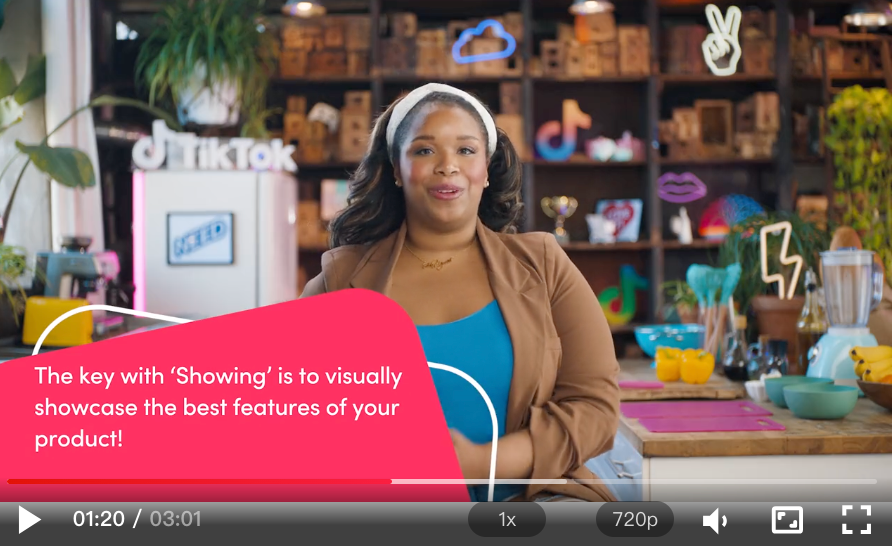
| 2 | Storytelling Techniques and Emotional Appeal | Master Showing vs. Telling:
|  |
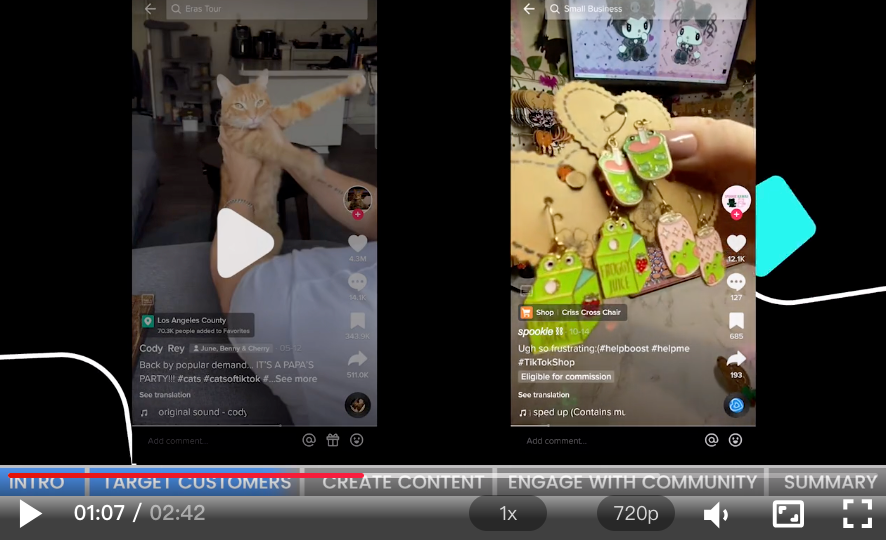
| 3 | Engage with the Right Audience on TikTok Shop |
|  |
| 4 | Leveraging the Shoppable Video Center to Help Your Business |
|  |
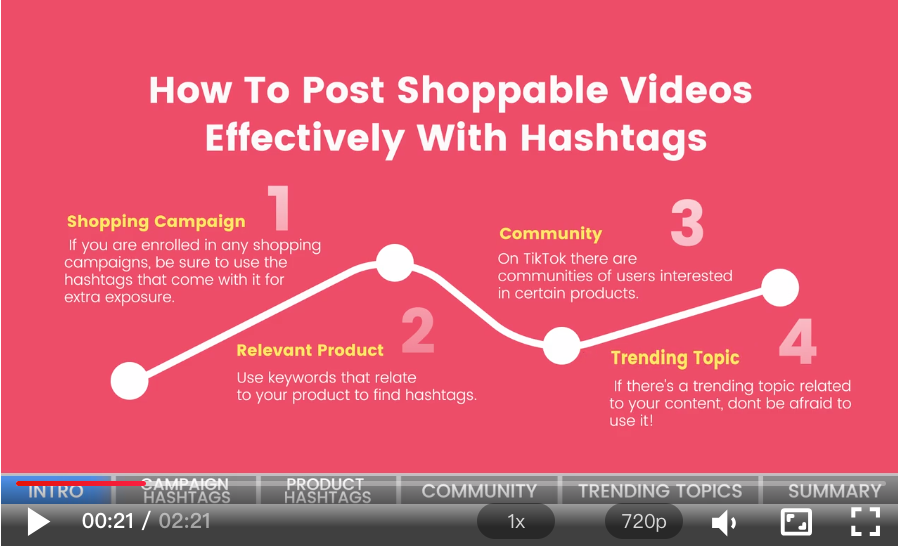
| 4 | Effectively Use Hashtags in Shoppable Videos | 4 ways to find hashtags that your customers may be following and get more exposure to your shoppable video.
|  |
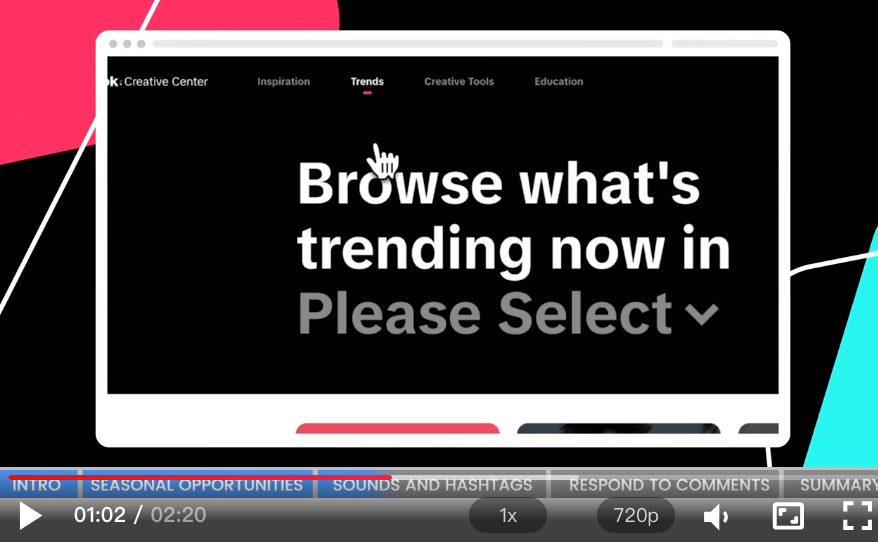
| 5 | Create a Content Calendar and Stay Relevant | Content Calendar Best Practices:
|  |
You may also be interested in
- 1 lesson
Creating Shoppable Videos with Shopify's 1P App
Are you a Shopify seller looking to create scroll-stopping shoppable videos but don’t know where to…
2025 Shoppable Video Holiday Guide for Sellers 🎁 ✨
👋 Introduction Black Friday Cyber Monday (BFCM) is the biggest seasonal sales weekend of the year,…
TikTok for Shopify: Shoppable Videos
Introduction: What is the SV Widget on the Shopify App? Compelling videos are at the heart of what d…

How to Schedule Shoppable Videos
💡 Feature Overview Scheduled Shoppables Videos lets sellers, like you create and prepare videos whe…

How to Change Your Video's Sound
TikTok will notify you if any of your videos' sound is no longer available. The TikTok App offers di…

Image-to-Video (formerly known as AI Fashion Video Maker)
💡 Feature Overview Image-to-Video is a tool that instantly turns your product photos into short, po…

"TikTok Shop for Sellers"
Introduction Shoppable Video is the most powerful way to sell on TikTok Shop. TikTok Shop for Seller…

Shoppable Photos
NOTE: This feature is currently in beta and available for select sellers. Functionality may evolve a…