

Order Delivery Options
12/08/2025
Summary
What shipping options are available for sellers on TikTok Shop, and how do they manage shipping labels?
- Sellers can choose between Seller Shipping (using their own carriers) and TikTok Shipping (platform-assigned carriers with seller override options). Shipping labels can be purchased and printed individually or in bulk via the Seller Center website, as the Seller App does not support switching shipping options or bulk shipping.
- Label purchase options include buying labels only (print later) or buying and printing simultaneously. Sellers can create shipping labels for orders awaiting processing and must address errors if no shipping provider is available.
How can sellers combine, split, or edit orders and packages to optimize shipping on TikTok Shop?
- Sellers can merge eligible orders into combined packages to reduce fulfillment costs or split orders if they contain multiple items, are awaiting shipment, and SKUs are not canceled. Splitting can separate different SKUs or multiple quantities of the same SKU.
- During label purchase, sellers can edit package details such as shipping services, add value-added services, adjust package size, and modify label document formats, allowing flexibility to adapt to shipping needs.
What are the key steps and requirements for sellers to upload and manage tracking information on TikTok Shop?
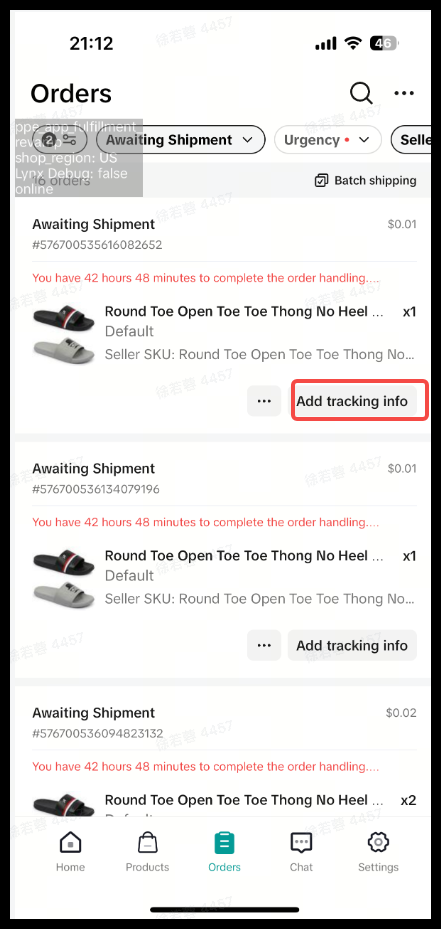
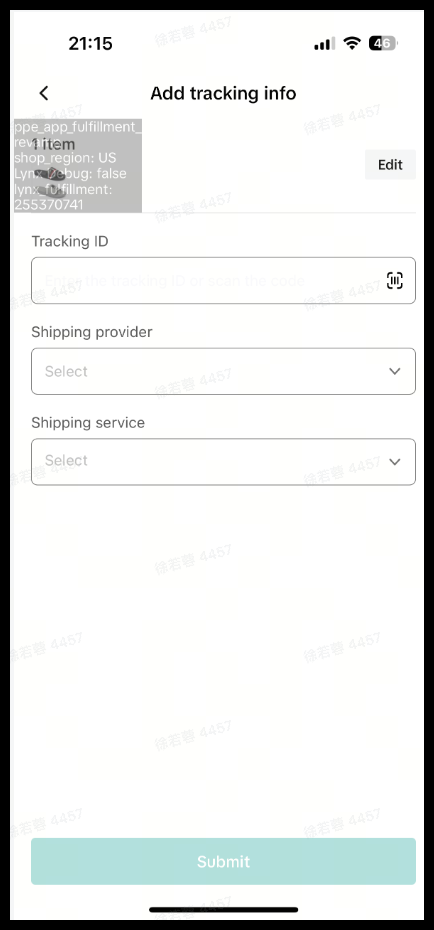
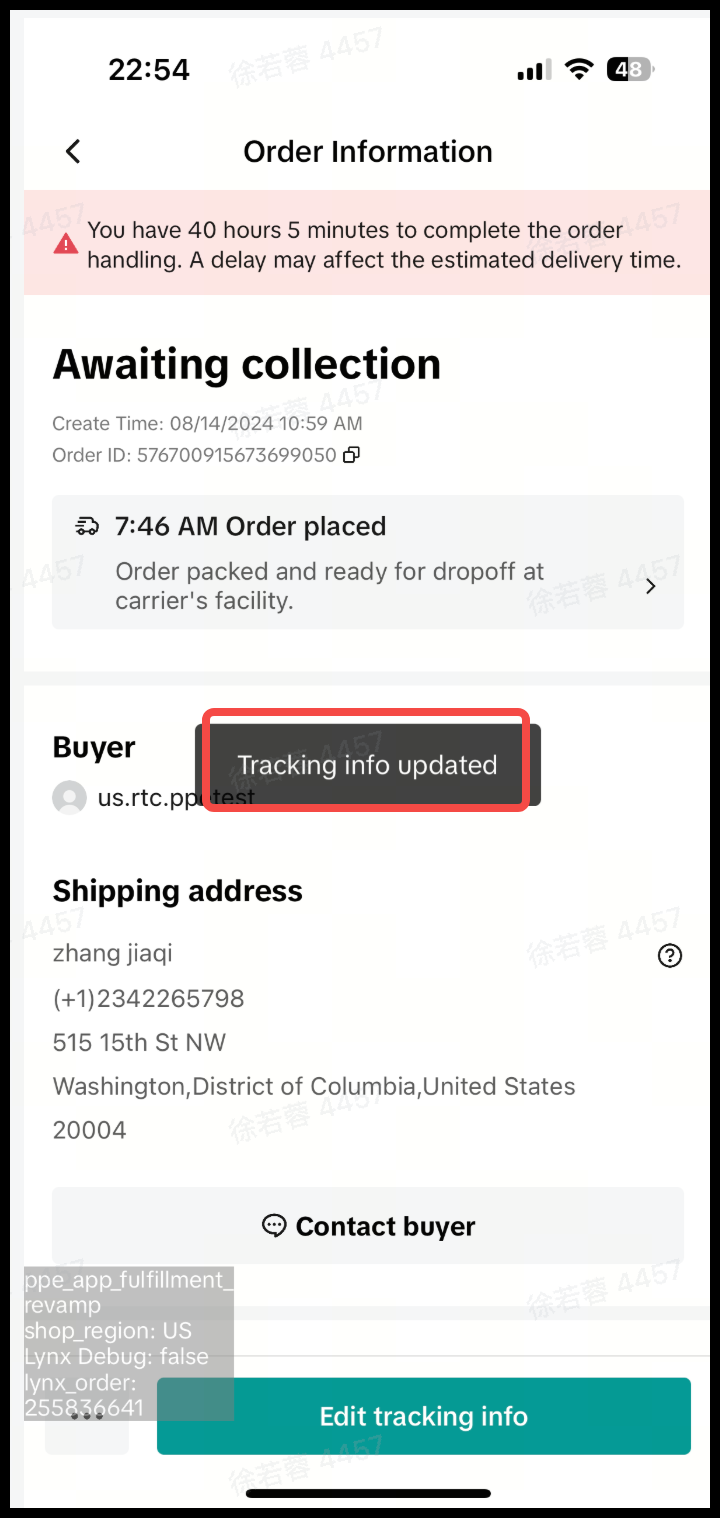
- Sellers must add tracking numbers for shipped orders, which triggers an automatic verification check. Order status updates automatically after uploading tracking info.
- Tracking information can be revised once, but only within 72 hours of the initial upload, ensuring timely and accurate shipment tracking.
What limitations or important notes should sellers be aware of when using TikTok Shop’s shipping features?
- Switching shipping options and performing bulk shipping via the Seller App is not supported; sellers must use the TikTok Shop Seller Center website for these functions.
- Sellers are liable for any cost differences if they reject TikTok Shipping’s assigned carrier and choose alternative options based on their shipping settings.
Order Delivery Options
Please note: The accounts and orders shown in the visuals are for demonstration purposes only. The actual user interface may differ.Shipping Option
You can select your shipping option on the TikTok Shop Seller Center website, which will determine the order delivery method. Currently, switching the shipping option via the Seller App is not supported. How to Enroll in Each Shipping Option| Order Delivery Option | Definition |
| Sellers provide order fulfillment through their own selected/preferred logistics carriers. |
| TikTok platform will automatically assign a service (based on buyer's selected shipping options and seller's preferred carrier). Seller has the option to reject this selection, and choose from other available options (these options are based on seller's shipping settings/rules). Note that the seller is liable for the cost difference |
| The content below applies to Seller Shipping and TikTok Shipping. For more information about the upgraded TikTok Shipping service, please refer to: Overview of Upgraded TikTok Shipping |
Label Purchase:
The content below applies to Seller Shipping and TikTok Shipping. For more information about the upgraded TikTok Shipping service, please refer to: Overview of Upgraded TikTok Shipping- To create shipping labels for orders awaiting processing on TikTok Shop, select the orders individually or in bulk under 'Manage Orders' and click the 'Create Shipping Labels' button.
- If no shipping provider is available for the order, the system will display an error tag.
|
|
|
|
|
|
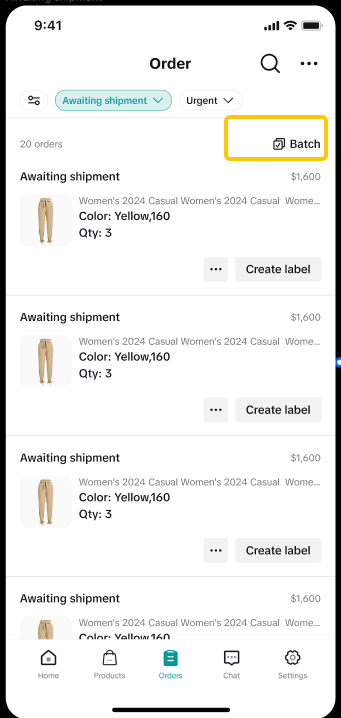 | 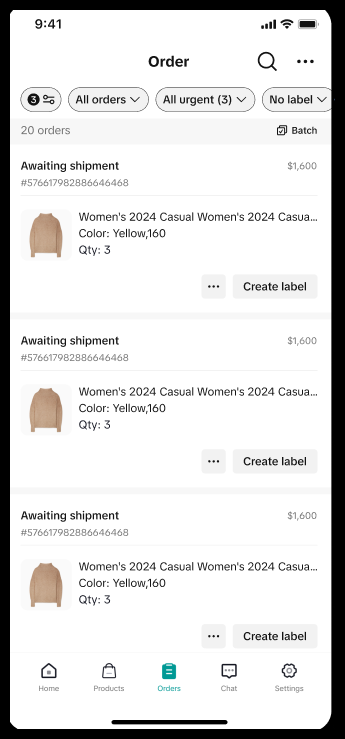 | 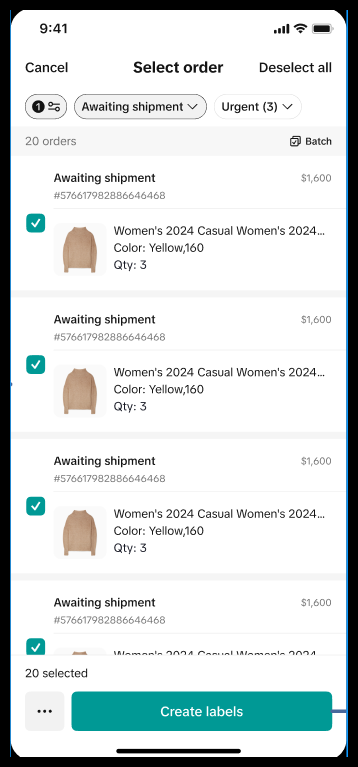 | 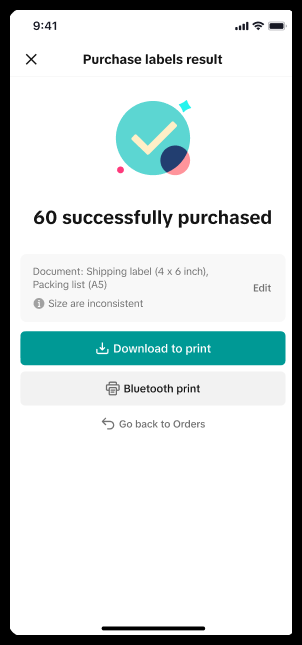 |  |  |
- Purchase only: Sellers have the option to buy shipping labels now and print later.
- Purchase and print: Buy and print labels simultaneously. After purchase, labels can be printed immediately without needing to visit the Purchase Label Result page.
| Purchase Shipping Labels Only (Print Later) | Single Shipping | Batch Shipping |
| Buy Label | 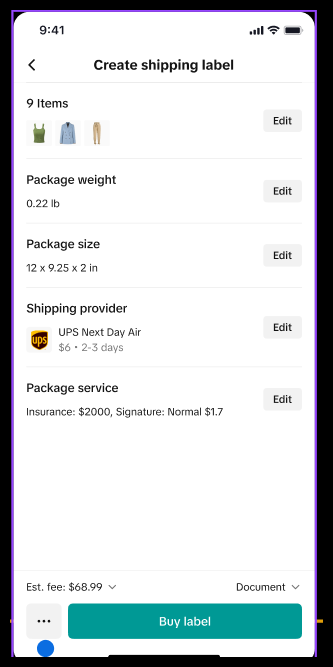 | 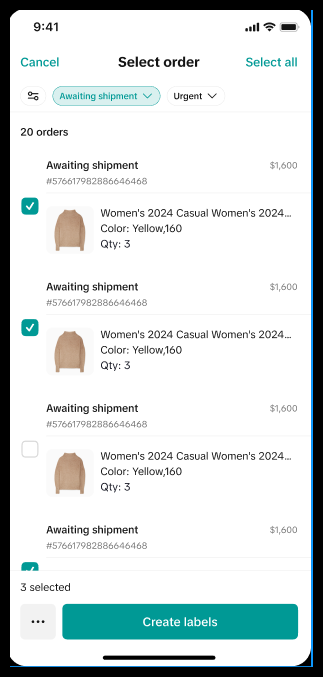 |
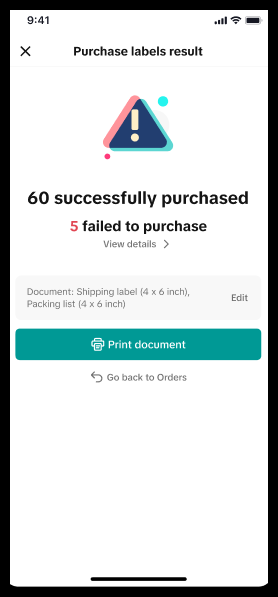
| Label purchase result | Success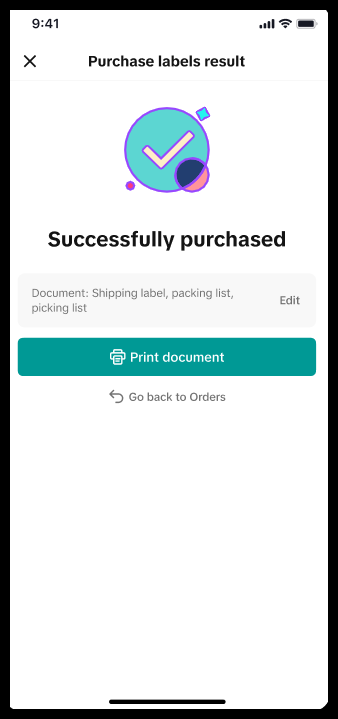 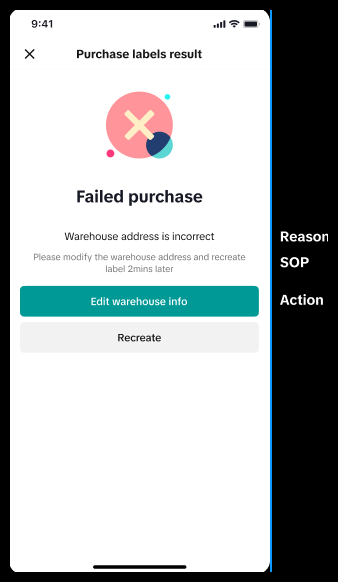 | All Success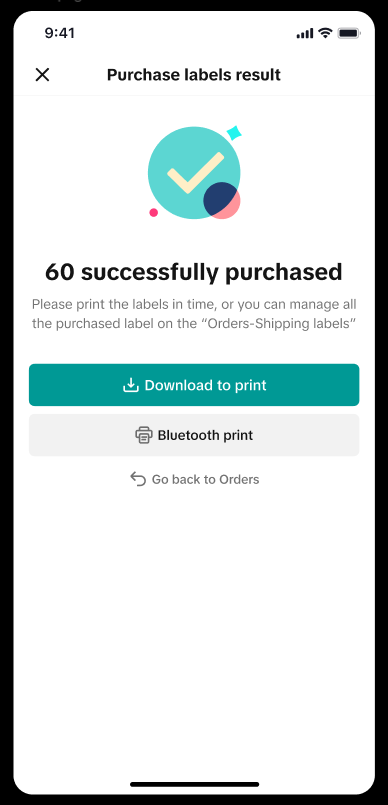 Partial Success Partial Success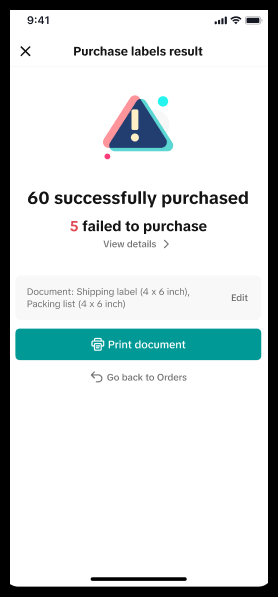 All Failed All Failed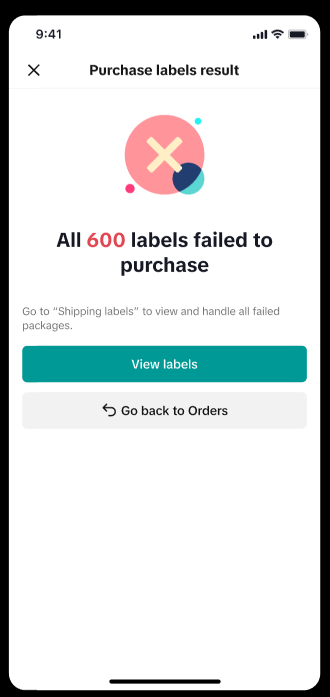 Failed Details Failed Details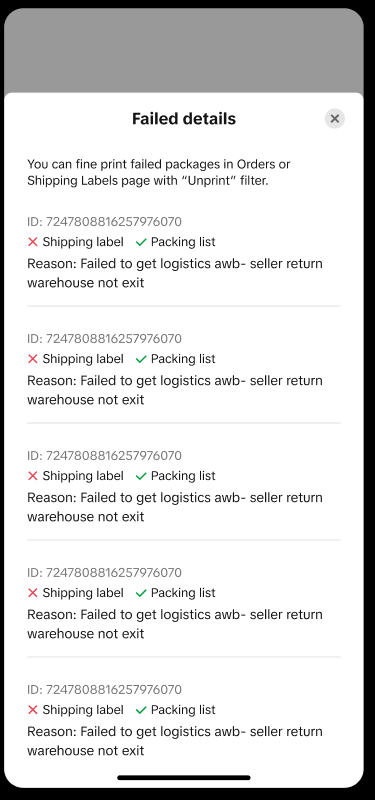 |
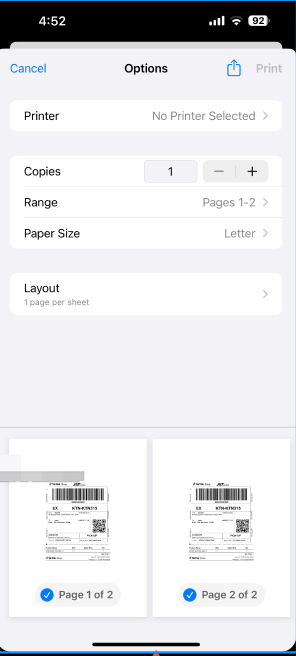
| Print Label | 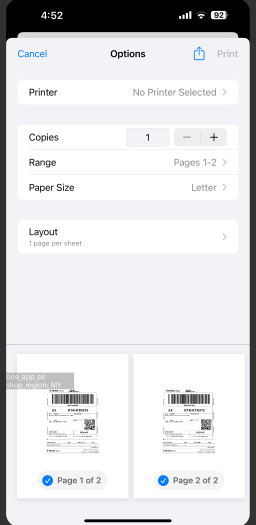 | Print Size Adjustment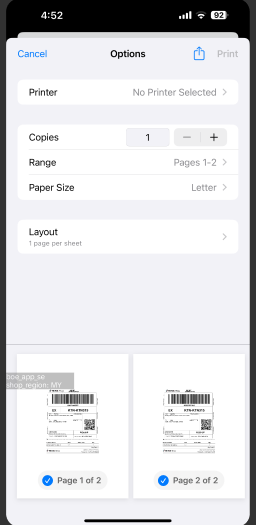 |
| Purchase and Print Together | Single Shipping | Batch Shipping |
| Buy Print Label Together | 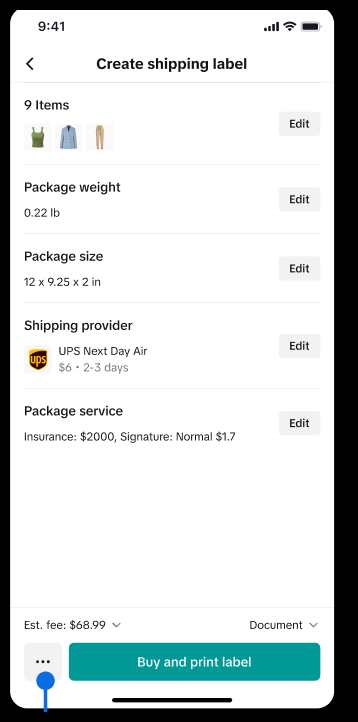 | 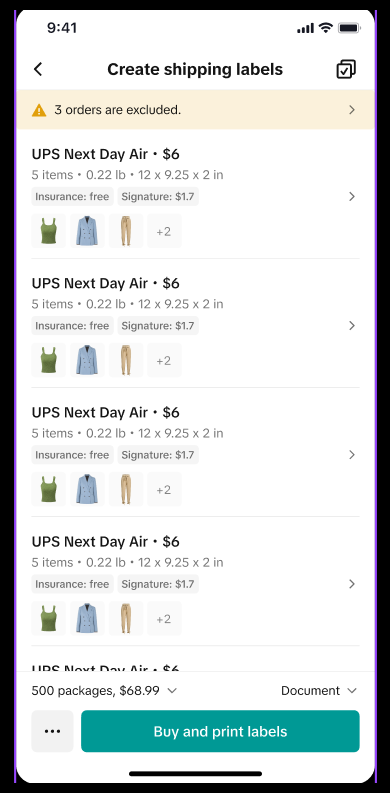 |
| Buy Label & Print Label Result | Success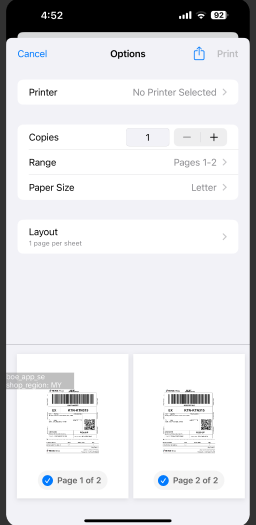 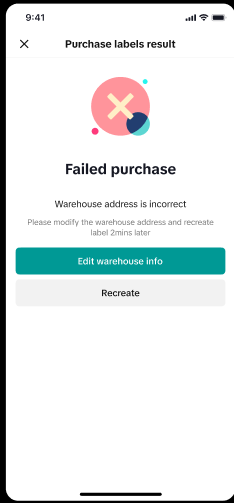 | All Success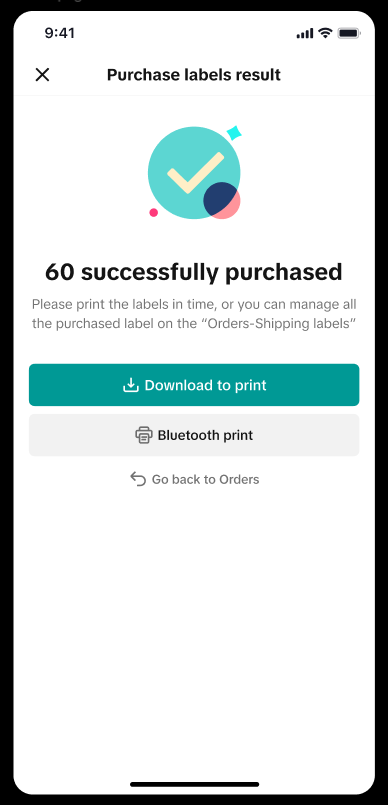 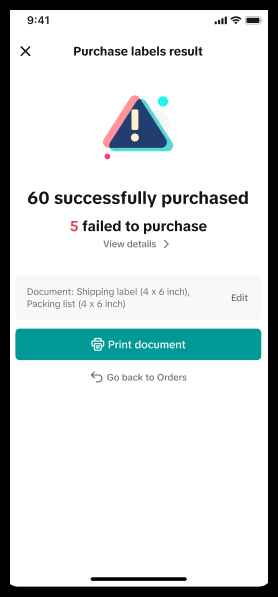 All Failed All Failed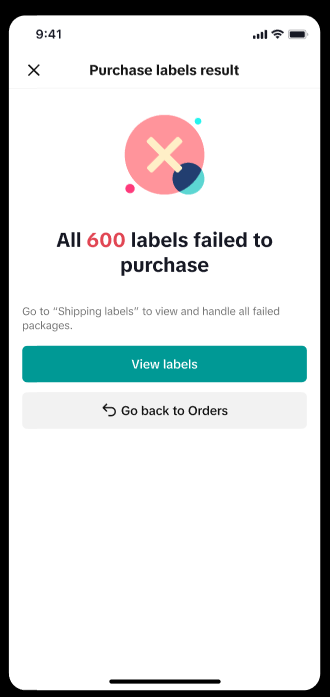 |
Order Combination
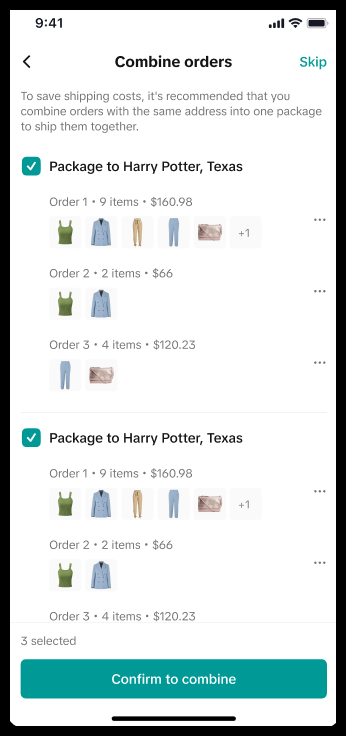
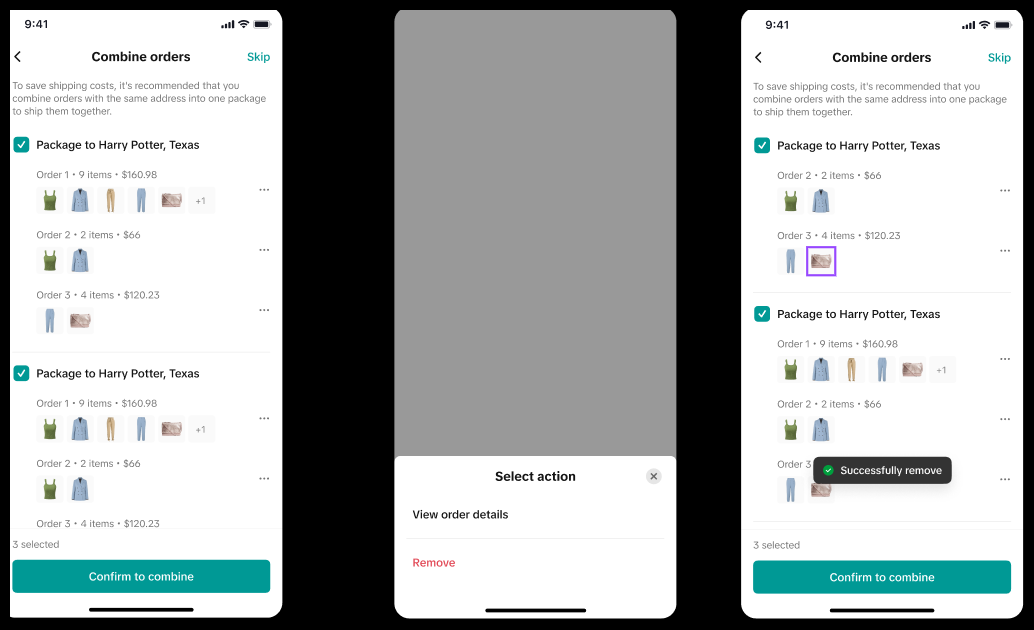
You can merge eligible orders into a combined package to save on fulfillment costs while still providing a great customer delivery experience.
|
|
 |  |
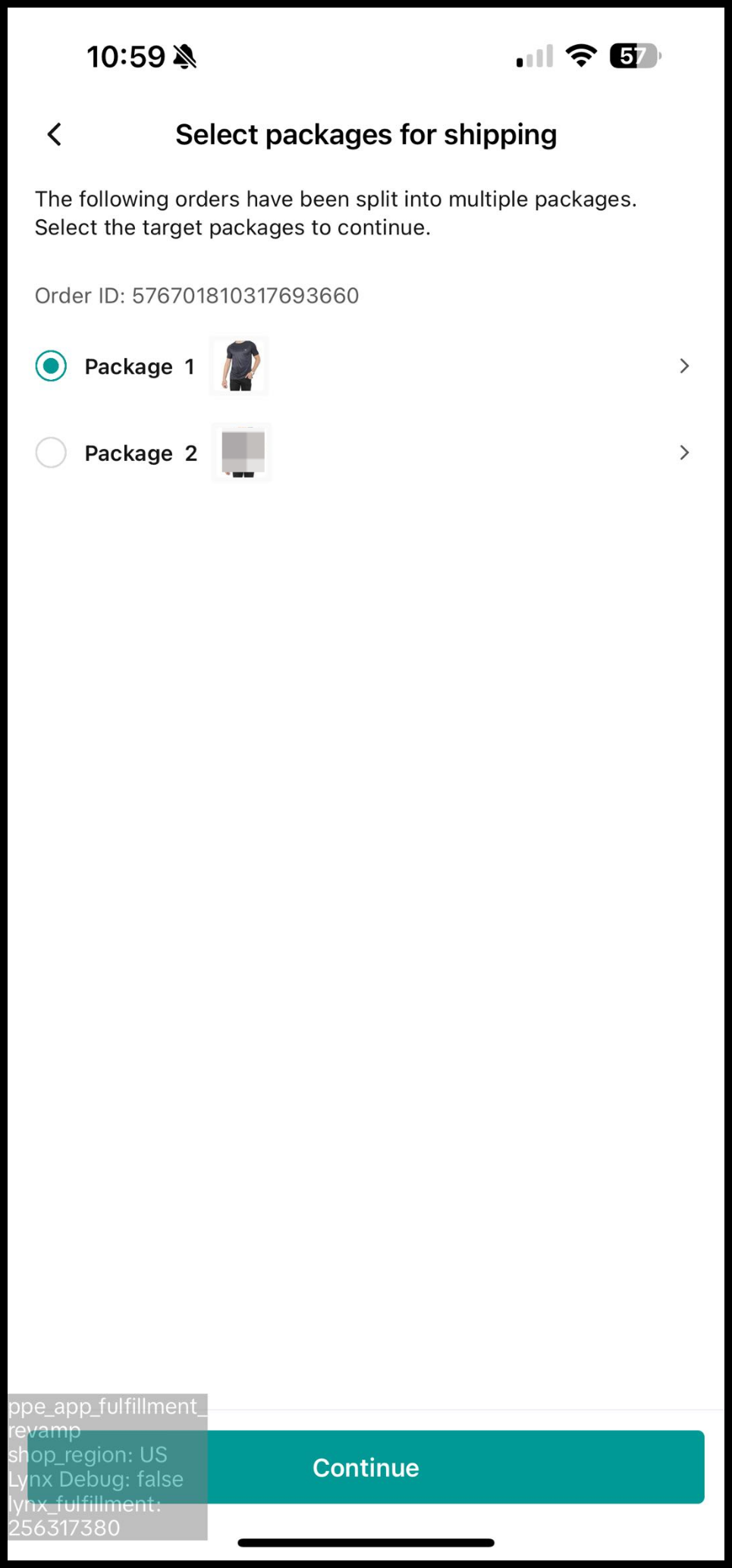
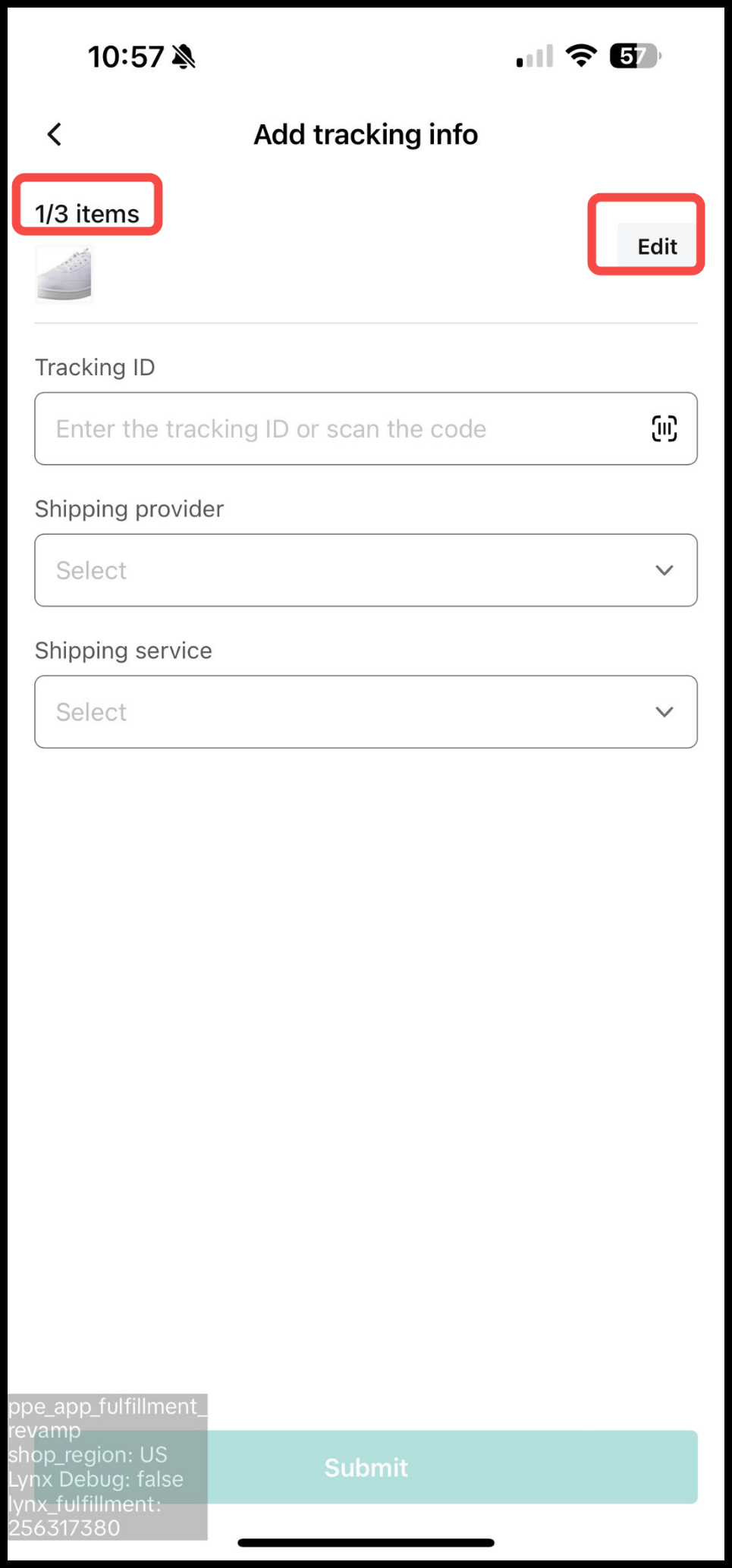
Order Split
The split order option will be available if the following conditions are met:- Order consists of more than 1 item.
- Order status is still Awaiting Shipment.
- All SKUs are neither canceled nor in cancellation requested status.
- It's applicable for both "TikTok Shipping" and "Seller Shipping" orders.
|
|
 |  |
Package Edit
- During the label purchase workflow, sellers can modify shipping services, add value-added services, and adjust package sizes for individual or batch orders. This flexibility allows sellers to adapt to changing shipping needs and preferences.
- Sellers also have the option to modify document format settings for the label during package editing.
| Package Level Edit |
|
|
|
|
| Edit Single Package | 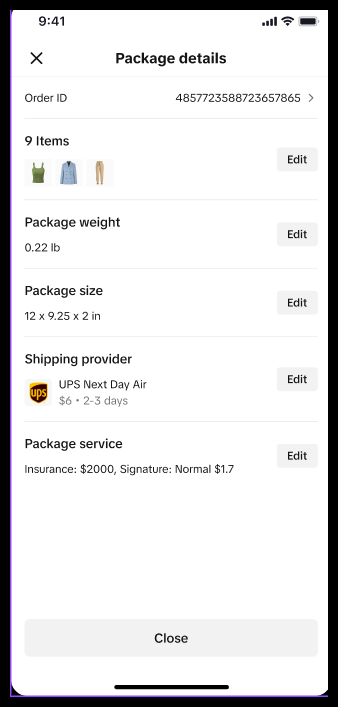 | 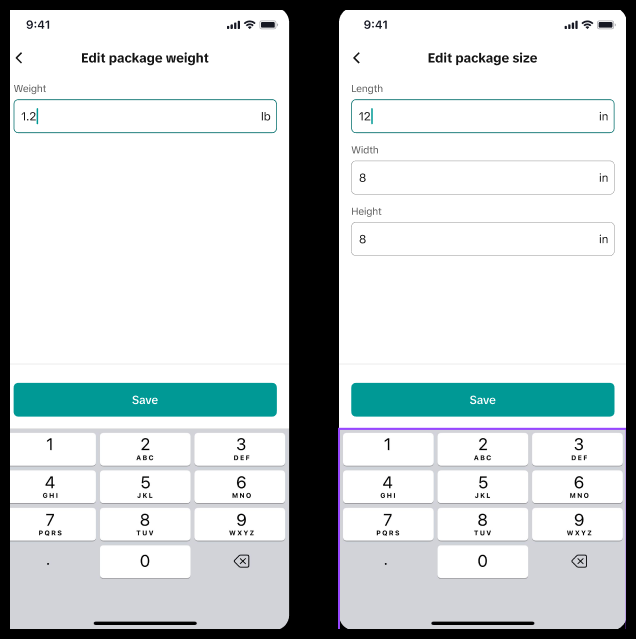 | 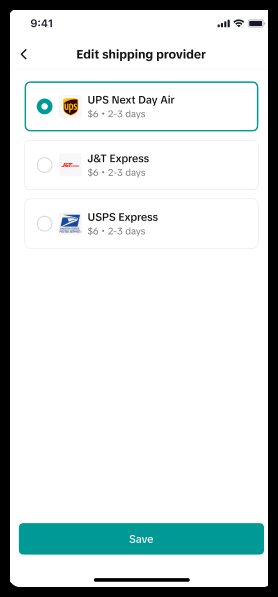 | 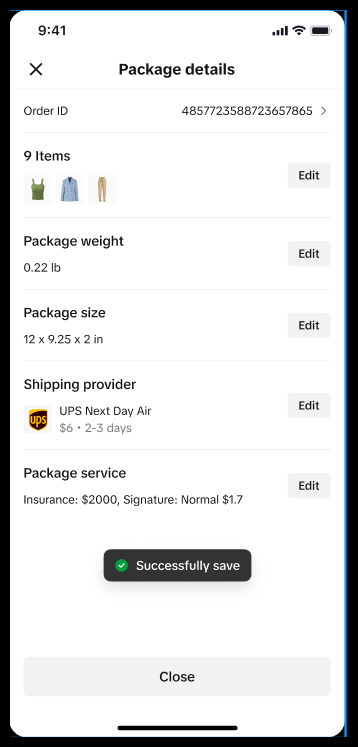 |
| Edit Bulk Package | 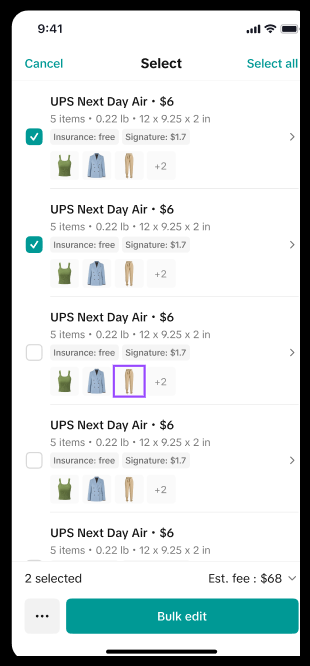 | 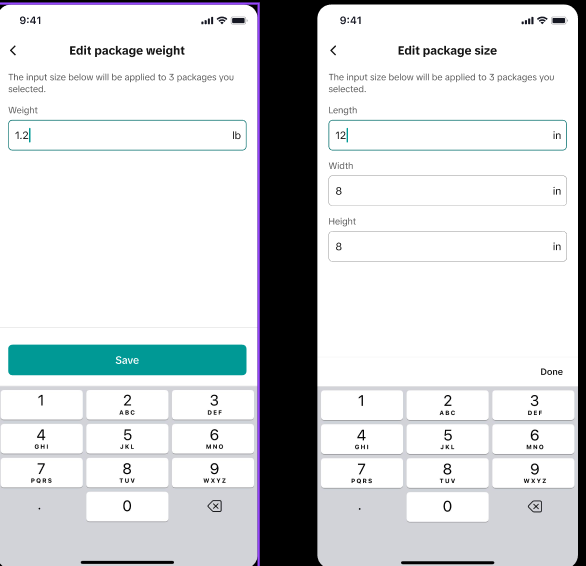 | 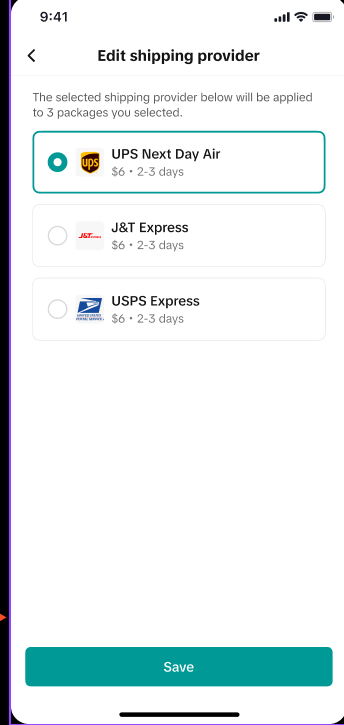 | 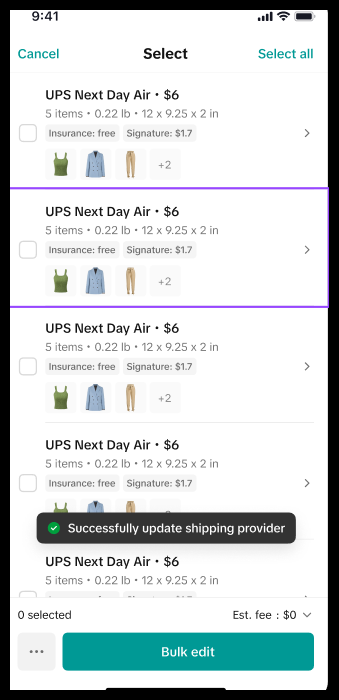 |
Seller Shipping
Sellers fulfill orders using their chosen logistics carriers and provide tracking details for all shipped orders.
|
|
|
 |   |  |