

Choking Hazard Warning Label Policy
01/28/2026

This policy outlines the requirements for including a choking hazard warning on products that contain small parts.Key Points:
- Products with small parts that could pose a choking risk to children must include a visible choking hazard warning in the product listing and on packaging, per CPSC guidelines.
- Examples of products requiring this label include toys with small detachable parts, puzzles with small pieces, children's jewelry, and art supplies like beads or buttons.
Choking Hazard Warning Label
A choking hazard warning label is required for any product that meets the CPSC’s criteria for small parts. For detailed guidance, visit the CPSC's Small Parts Ban and Choking Hazard Labeling page.You must:
- Display a visible choking hazard warning in the product listing, if applicable
- Ensure the product packaging includes a compliant choking hazard warning label
Products Requiring Choking Hazard Labels
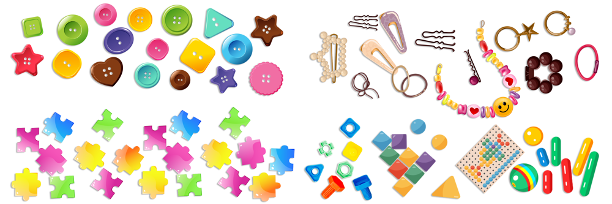
- Toys with small, detachable parts
- Puzzle pieces smaller than 1.25 inches
- Jewelry or accessories for young children
- Art and craft supplies like beads, buttons, or sequins
- Non-toy items (e.g., certain jewelry) that contain small detachable parts
Product Verification and Compliance Check
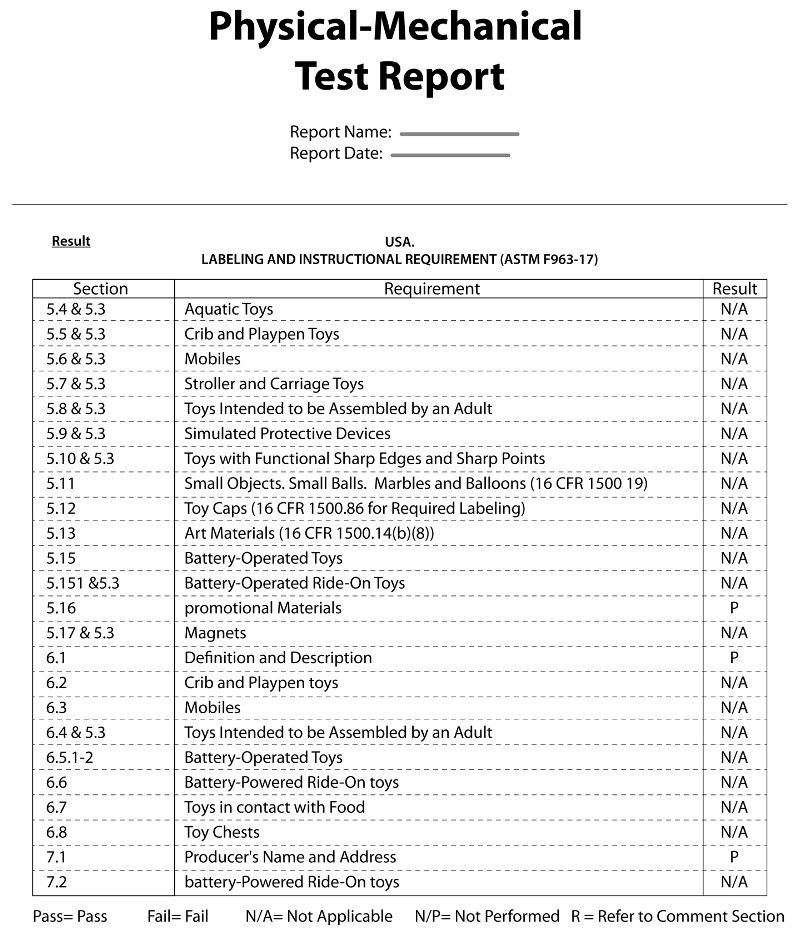
- A test report showing compliance with safety standards
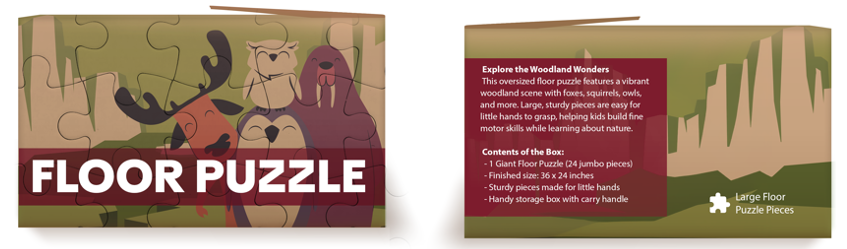
- Product photos clearly displaying labeling, packaging, or small parts
- Go to Seller Center
- Navigate to Account Settings
- Open the Qualification Center
- Select Product Compliance
Documentation Examples
- Product Photos (showing that a choking hazard warning label isn't needed)
- Test Report (obtained from the manufacturer or importer)
Enforcement Actions and Appeals
We regularly review shops for compliance with our policies. If violations are identified, we will take enforcement actions on your shop. This may include, but is not limited to:- Deducting points from your Account Health Rating
- Removing product listings
- Revoking your access to offer products for sale
- Issuing refunds to customers
Adding a Choking Hazard Warning Label
To add a choking hazard warning label to an existing product listing:- Log in to Seller Center.
- In the navigation pane on the left, select Products.
- On the Manage Products page, locate the product listing and select Edit.
- In Product Attributes, locate the Choking Hazard Warning attribute and respond accordingly.
- When complete, select the Update button in the top right.
- Log in to Seller Center.
- In the navigation pane on the left, select Products.
- On the Manage Products page, select the Add New Product button in the top right.
- In Product Attributes, locate the Choking Hazard Warning attribute and respond accordingly.
- When complete, select the Submit For Review button in the top right.